All stories · Article
3 Things Shopify Sellers Should Self-Check When Using AI to Build A/B Tests
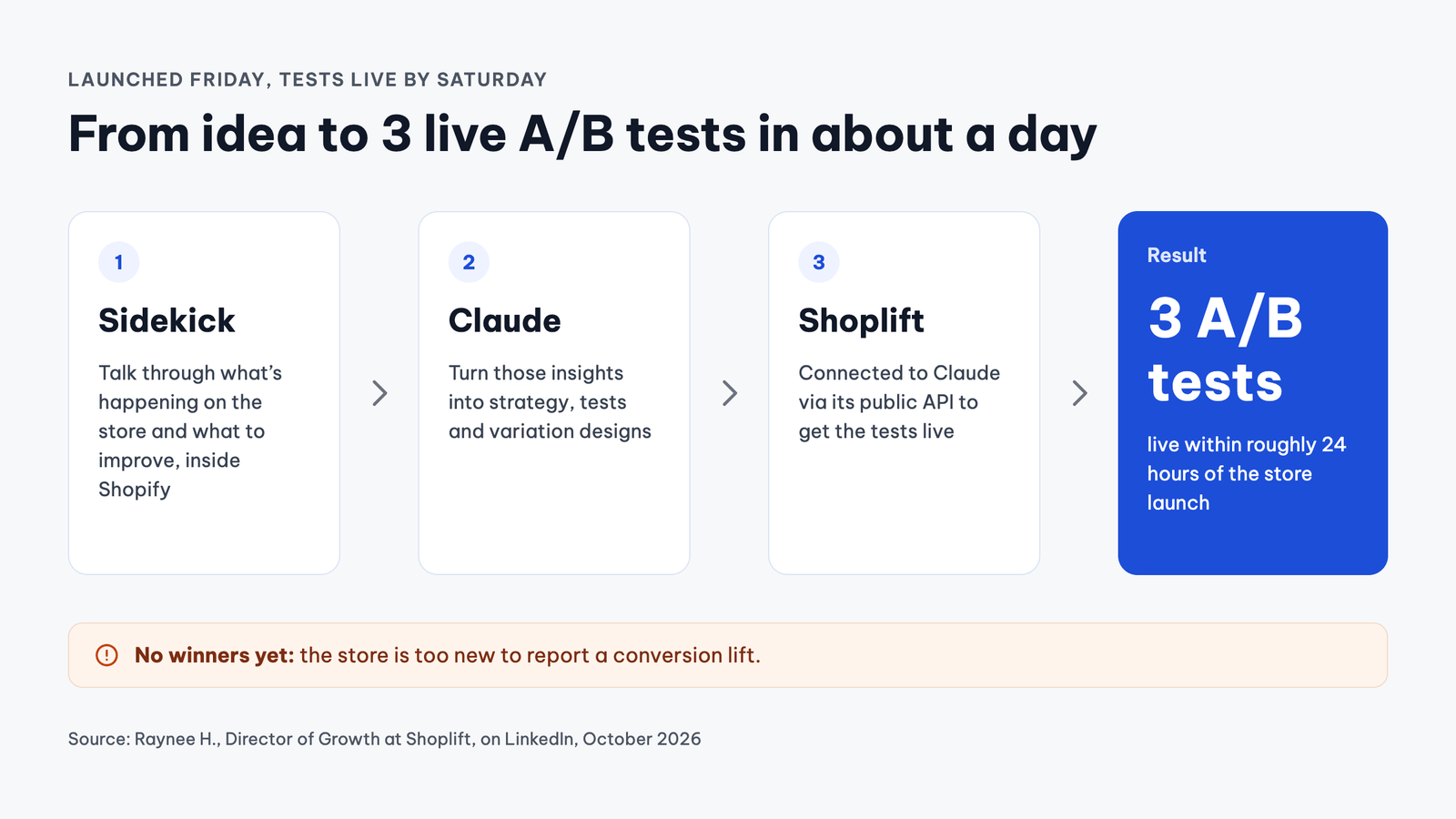
Store launched on Friday, 3 live A/B tests running by Saturday.
Share: WhatsApp · Telegram · X · Facebook · LinkedIn · Email
That is what Raynee H., Head of Growth at A/B testing tool Shoplift, shared after launching her own Shopify store and letting AI build almost all the tests for her.
When AI takes off the heavy lifting of building tests, the hardest job for sellers gradually shifts to analysis: figuring out which results are trustworthy enough to keep.
There are three spots that can easily lead you to pick the wrong winner in an AI-built test: the metrics, the test setup fundamentals, and the volume of traffic sent to each variant.
Finding ideas and building tests is faster, but reading the results isn't
Raynee's workflow was pretty lean. She talked with Sidekick right inside Shopify about the store's performance, then fed those ideas to Claude, which was connected to Shoplift via API. The AI helped her map out strategies, build tests, design variants, and publish the tests live to the store.
Inside Shopify, AI is also speeding up the ideation phase.
Fabian Engeln, Ecommerce Growth Lead at Shopify, shared on LinkedIn that he led the building of an AI tool that bakes in some of the conversion rate optimization (CRO) methodologies from Shopify experts. With this tool, auditing a page that used to take 2–3 hours now takes just about a minute, and hundreds of his colleagues are using it every month.
According to Engeln, AI excels at spotting potential issues and suggesting opportunities. Human experts, however, must understand the business context, decide which opportunities truly matter, form the right hypotheses, design experiments, and draw key takeaways from the results.
He wrote: “Finding opportunities is getting easier,” which is why the bar for CRO practitioners is rising. In other words, ideation—and in Raynee’s case, test setup—is getting lighter thanks to AI, while the part that still heavily requires human judgment lies in interpreting the results.
Conversion rate can be misleading about actual revenue
Samuel Hess, co-founder of Drip, an agency specializing in A/B testing for DTC brands, shared a test built for the socks and underwear brand SNOCKS. On unisex product pages, his team changed the quantity selector to a dropdown menu and set the smallest pack as the default selection.
The result: On mobile, conversion rate went up by 3.97%, while average revenue per user (ARPU) only increased by 1.87%, because average order value (AOV) dropped by 2.02%.
Hess also made it clear that the conversion rate lift was just a directional signal; his team didn't claim it was statistically significant. The lesson Drip drew was: “Always evaluate revenue alongside conversion rate when changing the quantity selector.”
This detail is worth noting if you use Rollouts, a feature built right into the Shopify admin to schedule, gradually roll out, or test theme changes. Rollouts offers three types of actions:
- Launch: deploys changes to the store
- Event: applies changes for a specific period and automatically reverts
- Experiment: compares a new variant against a control group
According to the Rollouts analytics guide, an Experiment for theme changes reports four metrics: conversion rate, bounce rate, checkout rate, and add-to-cart rate. You cannot customize this metric list, and your store needs a Grow plan or higher to run Experiments. At SNOCKS, the conversion rate lift was nearly double the ARPU lift. For a change that pushes smaller order sizes, that gap could easily be wide enough for a variant losing in total revenue to look like a winner on paper.
Therefore, for changes that easily alter order values—like default quantity, bundle offers, or volume tier discounts—use ARPU as your primary metric. If the tool you use only tracks conversion rates, treat those numbers as initial directional signals and run these types of tests on a tool that tracks revenue per variant.
Double-check the test setup built by AI before reading the numbers
Andrea Bosoni, a marketer, shared a story about a non-technical friend who asked Claude to guide him through running his first Meta ad campaign for an app he was building. After a few days, the campaign still had zero conversions.
When Bosoni reviewed it, the campaign had three major flaws:
- The pixel wasn't installed on the account (the code snippet that tells Meta who converted)
- The campaign objective was set to Traffic, so it was optimizing for link clicks instead of sign-ups
- The two ad creatives being A/B tested were virtually identical, so each ate up half the budget without generating any real insights
After setting it up again based on his advice, the campaign landed its first conversion the very next morning.
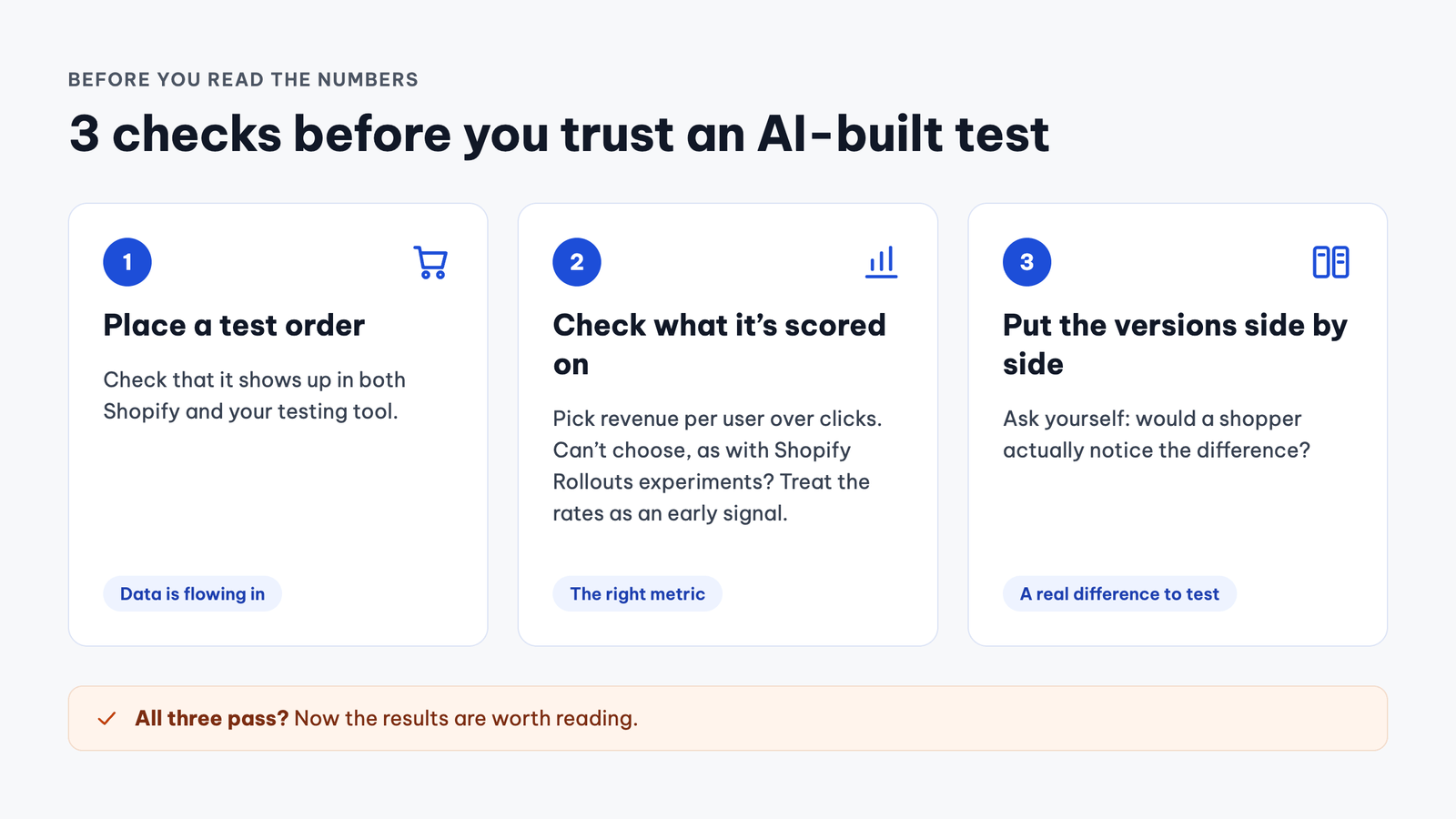
This was an ad setup, not a store layout, but all three mistakes boil down to the core setup of a test: what you measure, what you optimize for, and whether the two variants are different enough to compare. AI-assisted tests built on your store should be audited for those exact three areas before you start reading the data.
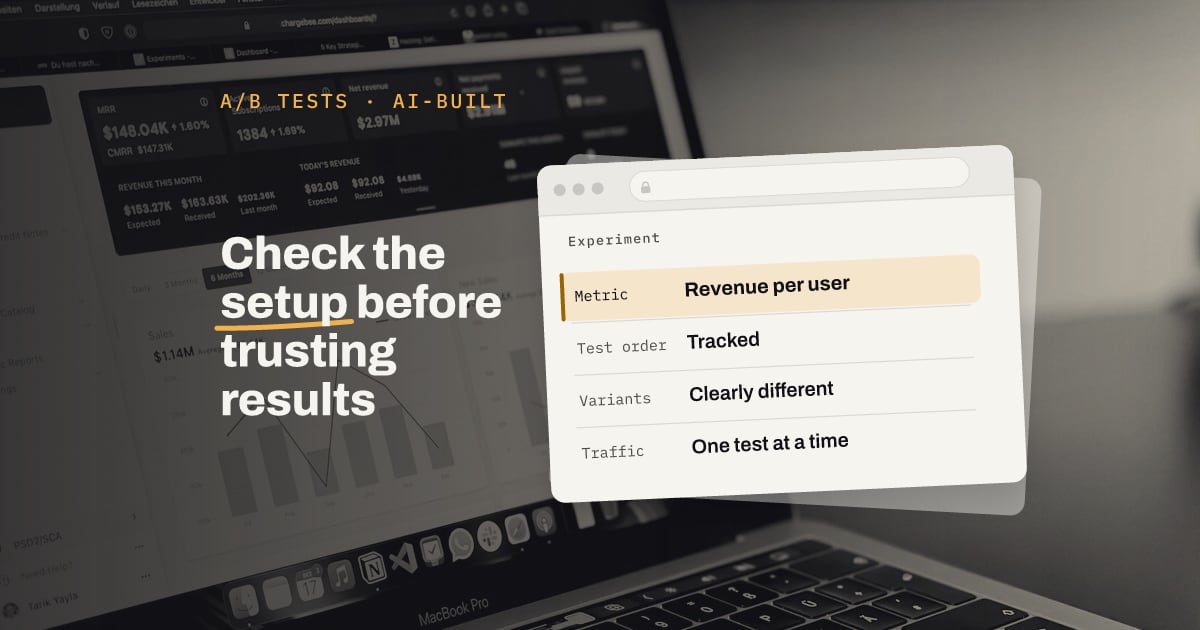
You can start by placing a test order to see if the conversion registers properly in both Shopify and your testing tool. Next, check which metric is scoring the test. If your tool allows custom metrics, prioritize revenue per user over click counts. If it doesn't—like with Experiments in Rollouts—interpret the results carefully as discussed earlier. Finally, look at both variants side-by-side and ask yourself if a customer would actually notice the difference.
Low-traffic stores should run fewer tests and focus on major changes
Running three tests in a single day sounds impressive, but for a brand-new store, the next critical question is how much traffic each test variant actually receives. Under Raynee's post, Saif Ur Rehman, a Shopify developer specializing in CRO and founder of Cartvane, brought up this exact point.
According to him, on a newly launched store, running three simultaneous tests usually splits a meager few hundred daily sessions, which means it could take weeks to get a statistically clear answer. When traffic is thin, he recommends testing one major change at a time—like altering how an offer is presented on the product page—and leaving minor tweaks for future iterations.
If you're using Rollouts, it's also important to distinguish between rolling out a feature to a slice of users versus running a true A/B test. In our view, testing a change on 10% of your visitors and monitoring the conversion rate helps de-risk a launch, but without a simultaneous control group, it doesn't replace a true experiment.
Before keeping a winning variant, ask yourself:
- Is the test evaluated based on revenue per user or just conversion rate?
- Does a test order register correctly in the testing tool, and are the two variants distinct enough?
- How many daily sessions does the store get? If it's only a few hundred, run one test at a time and give it a few weeks before drawing conclusions.
For agencies, Engeln's observation carries another meaning. When merchants can easily spin up tests using AI, we believe an agency's real value shifts to three core tasks: selecting which tests are actually worth running, designing tests so the data is actionable, and clearly advising the client when a result is significant enough to adopt.
As seen in Raynee's case, AI can transform an idea into a live test in a single day. The rest remains on you, because a test is only valuable when it ends with a clear decision—to keep, scrap, or rerun—that you can justify with data.