All stories · Hot News
A Shopify seller says a conversion-rate drop was a counting gap
Share: WhatsApp · Telegram · X · Facebook · LinkedIn · Email
Written by AI from 8 public posts Reviewed by Iris (Nghi Chau)
Conversion rate is orders divided by visits, so it can fall for three reasons: fewer orders, more visits from people who never buy, or a report that counts incorrectly.
Only the first reason means that the store is losing sales.
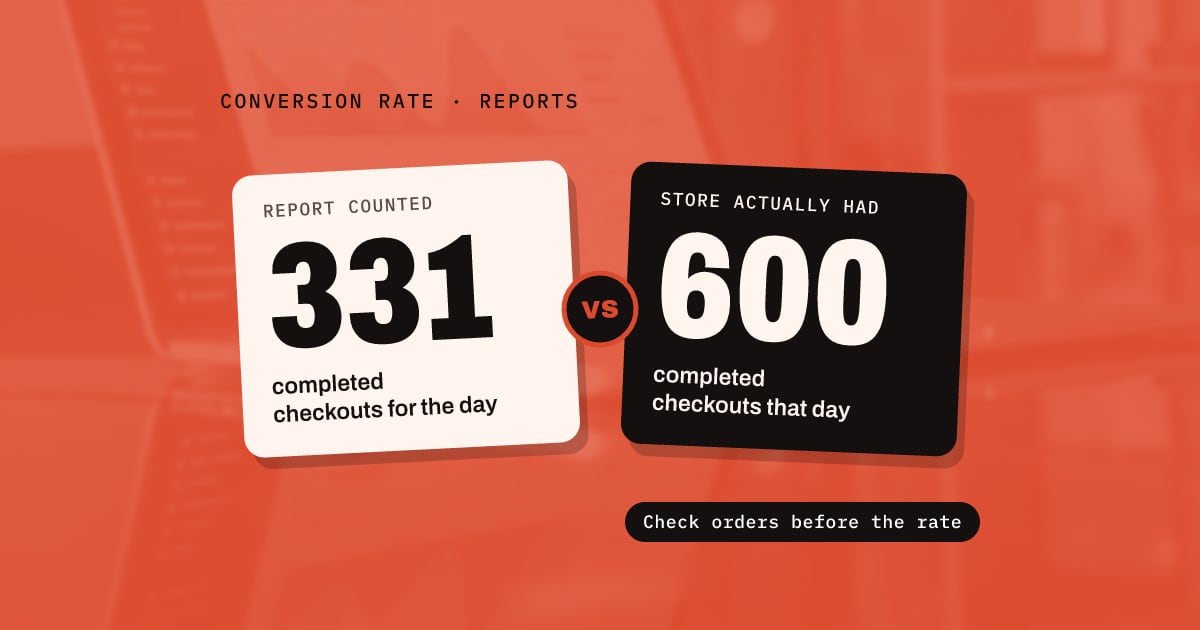
For the last week I’ve been trying to figure out why my conversion. Rate has dropped off a cliff. Turns out @shopify is just retsrded. It’s giving me 2% conversion but only calculating it on 331 completed checkouts instead of the 600 so far today.
Man. Sort your shit out @shopify it’s simple math.
Each example below comes from one store or one post.
- A report that counts incorrectly: @jlarkin353 saw a conversion rate of 2% and worked on it for a week before finding the difference in the counts. The post does not say why the report missed the other checkouts, and we could not find a public explanation from Shopify.
- Bot visits: On September 16, @itsryanlenk said that a filter marked 228 of that week's Shopify visits as bots and 172 as people. Bots add visits but not orders, so the rate falls even when sales stay the same.
- Sessions that look alike: A poster on r/ecommerce described the same pattern: traffic increased, sales did not change, and the sessions (single visits to the store) all looked alike.
- A platform problem: Some drops are real, and their cause is outside the page. On September 18, @downdetector recorded user reports of Shopify problems starting at 2:31 PM EDT.
- Shop Pay unavailable: A poster on r/ecommerce said that Shopify's status page showed Shop Pay, the Shopify fast-checkout option, as unavailable for hours.
Before you change any page, check orders and traffic separately. These are starting checks that we suggest, not a tested method:
- Look at daily orders before you look at the conversion rate.
- If orders did not change, find where the extra visits came from.
- If some hours had zero sales, check whether Shopify reported a problem at that time.
- Change pages only after orders have fallen and none of these checks explains why.
Ads Manager shows steady sales but Shopify shows a drop. Which one is correct?
The two reports count different things.
@wetracked, the account of the tracking tool wetracked.io, describes a case where ad spend doubled: Ads Manager showed twice the revenue, but Shopify did not. According to @wetracked, ad platforms also count sales from returning customers and from people who search for the brand name as ad sales. Their test: "If spend rises but total store revenue does not move, you did not scale the business."
Ad platform numbers also change after you make a decision. A poster on r/ecommerce said that Meta and Google continue to add conversions weeks later.
We suggest that you save a copy of the report on the day you decide, so you keep the numbers you actually used.
Does a higher conversion rate mean a better page?
Not always, when the traffic comes from ads.
@jforjacob sent two identical Meta ads to two different pages. For the page with the higher conversion rate, Meta also charged a higher CPM (the price per 1,000 ad impressions), so each purchase cost more. For that reason, @jforjacob tests pages inside Meta instead of with a separate split-testing (A/B) tool.
Sources
- https://x.com/jlarkin353/status/2094559357161574824
- https://x.com/itsryanlenk/status/2100332149819756859
- https://www.reddit.com/r/ecommerce/comments/1wbh7an/anyone_else_seeing_traffic_spike_with_zero/
- https://x.com/downdetector/status/2101016387095335292
- https://www.reddit.com/r/ecommerce/comments/1wk2ehi/shop_app_shop_pay_shop_pay_installments_are/
- https://x.com/wetracked/status/2101245733106241549
- https://www.reddit.com/r/ecommerce/comments/1wjqc37/how_are_you_handling_late_changes_to_campaign/
- https://x.com/jforjacob/status/2098123366402044312