All stories · Hot News
ChatGPT can now virtually try on clothes for you
Since October 1, 2026, ChatGPT shoppers can try on clothes and accessories with a selfie, TechCrunch reports.
Share: WhatsApp · Telegram · X · Facebook · LinkedIn · Email
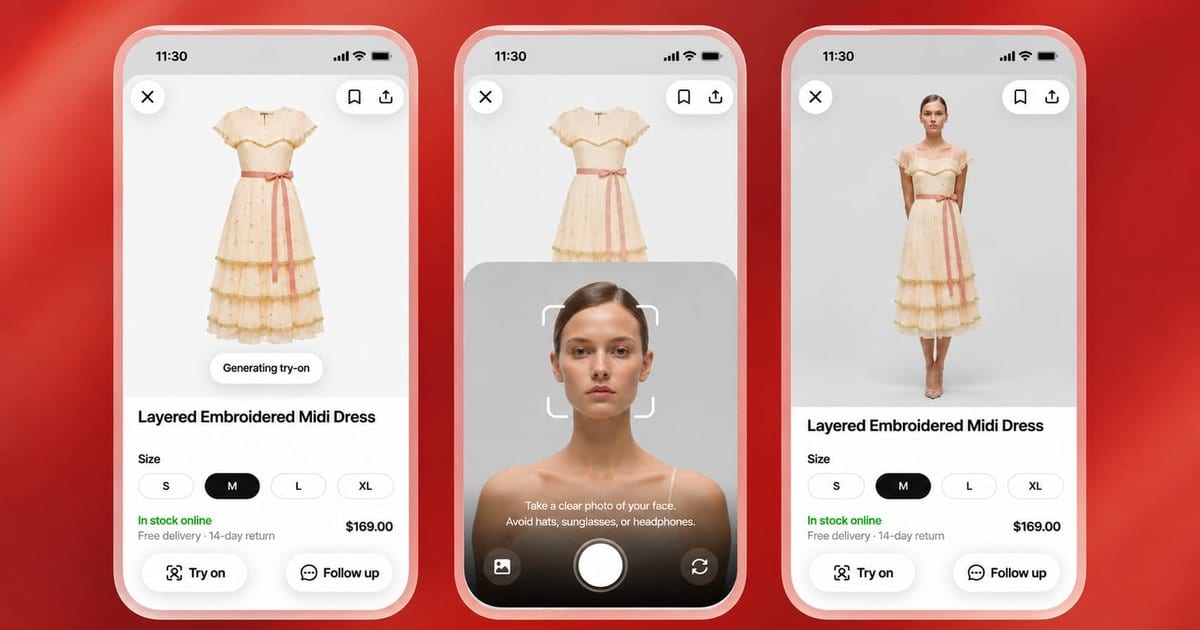
Eligible Shopify stores are already in those results by default, so the photo, size and price of each variant in your admin is what shoppers see first.
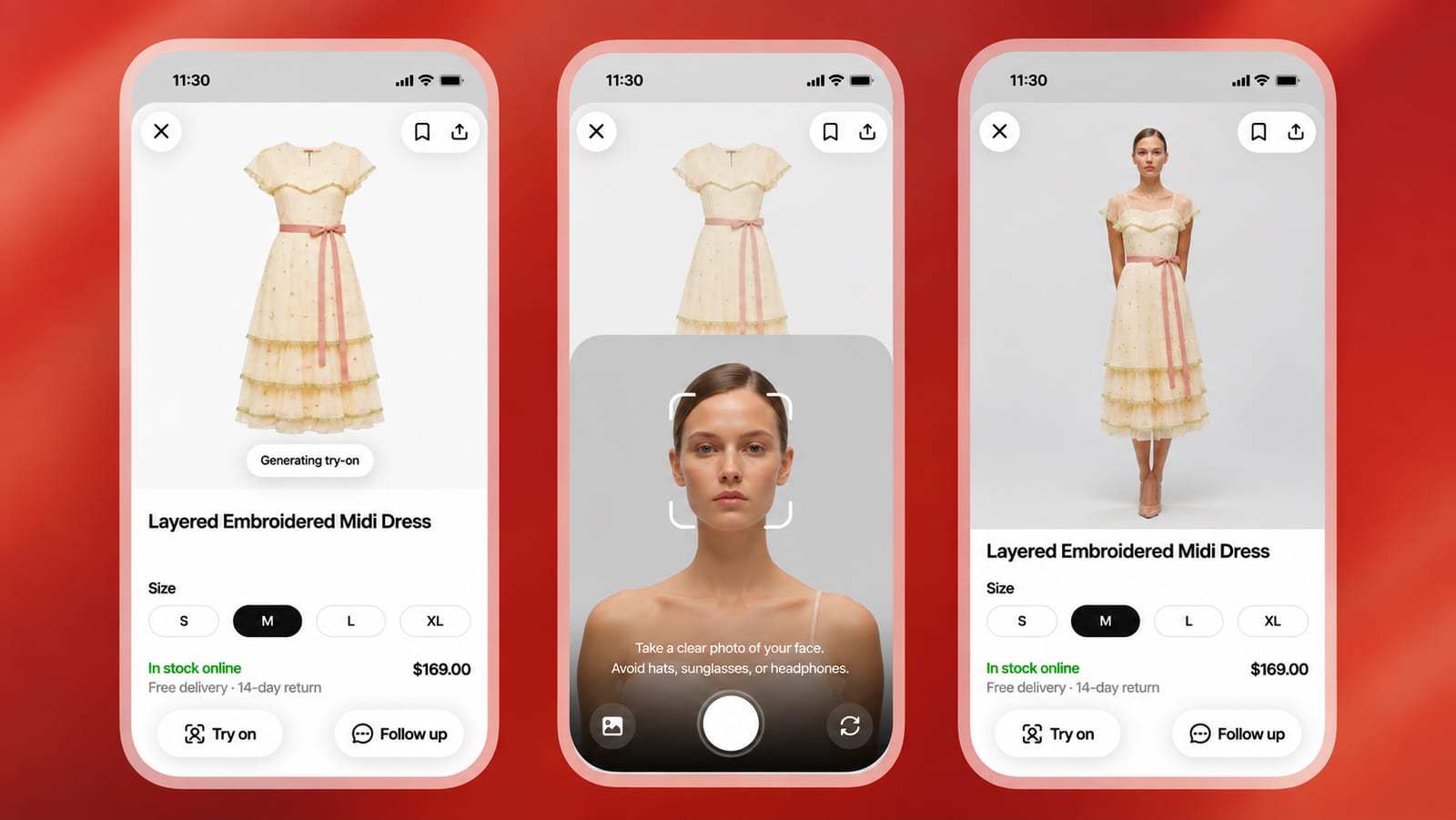
Shoppers judge fit from your catalog data, before your product page
A shopper asks ChatGPT for a wool coat. The answer shows product cards with a Try On button, and after a selfie or full-body photo, ChatGPT Images 2.5 shows the coat on the shopper's own body.
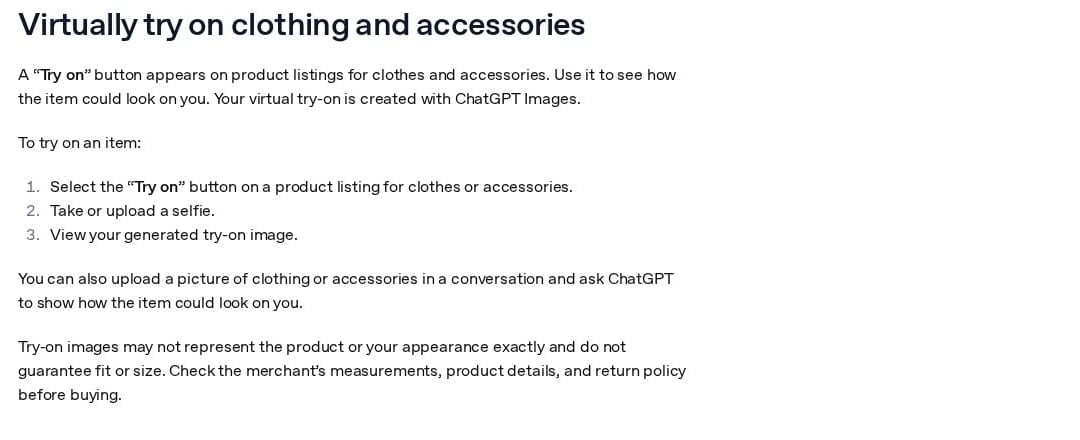
Three steps: select Try on on a clothing or accessory listing, take or upload a selfie, view the result. OpenAI's help page on help.openai.com, captured in November 2026.
If the coat looks right, the shopper can save it to Favorites, which keeps products in their ChatGPT Library next to their try-on images.
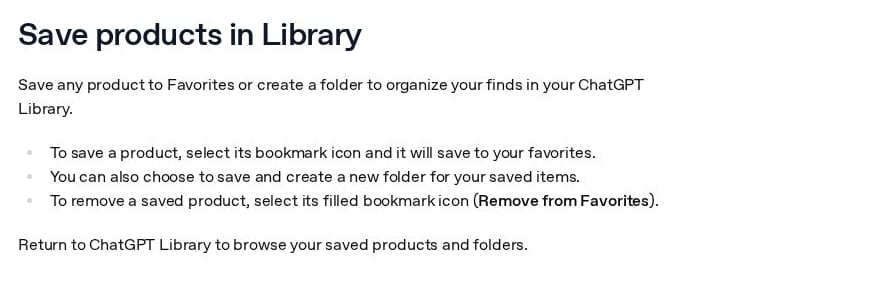
Favorites: a bookmark icon saves a product, and saved items wait in the ChatGPT Library. OpenAI's help page on help.openai.com, captured in November 2026.
Both steps happen before anyone visits your store. GA Agency, an ecommerce agency, wrote on LinkedIn on October 9, 2026 that Try On moves the fit decision before the click, so fit information, images, variants, pricing and availability shape the experience before a shopper reaches your site.
OpenAI's help page adds a limit: try-on images do not guarantee fit or size, and shoppers should check the merchant's measurements before buying. TechCrunch also notes that OpenAI dropped an earlier shopping idea, Instant Checkout, because it did not perform well, and that Google launched virtual try-on a year earlier.
Your catalog data now makes the first impression, and the product page comes second.
Is your store already in ChatGPT's shopping results?
Probably, if your store is eligible and nobody changed one default setting.
The setting is "Allow Shopify to manage for me." Slobodan Manic, a website optimization consultant, explains in Search Engine Journal on October 2, 2026 that it sits at the top of Sales channels > Agentic in your Shopify admin, stays on unless you turn it off, and shares your products with AI channels through Shopify Catalog. Shopify first opted merchants in automatically on January 12, 2026, and OpenAI's help page confirms that Shopify product data already reaches ChatGPT through Shopify Catalog, with no extra work from merchants.
For ChatGPT, the only switch is catalog access, and buyers who click through land on your own store checkout, in ChatGPT's in-app browser or a new tab on the web. As of September 2026, Shopify's help pages said ChatGPT charged no fee beyond your usual payment processing. Location may matter too: Metehan Yeşilyurt, an SEO specialist, wrote on LinkedIn that the team's own tests found ChatGPT in Europe still pulls products from Google Shopping, while US products come from OpenAI's index built from product feeds.
How does ChatGPT decide which of your products to show?
Being in the catalog does not mean being shown, since OpenAI says not every available product appears in an answer.
OpenAI's help page lists what ChatGPT weighs, without saying how much each factor counts.
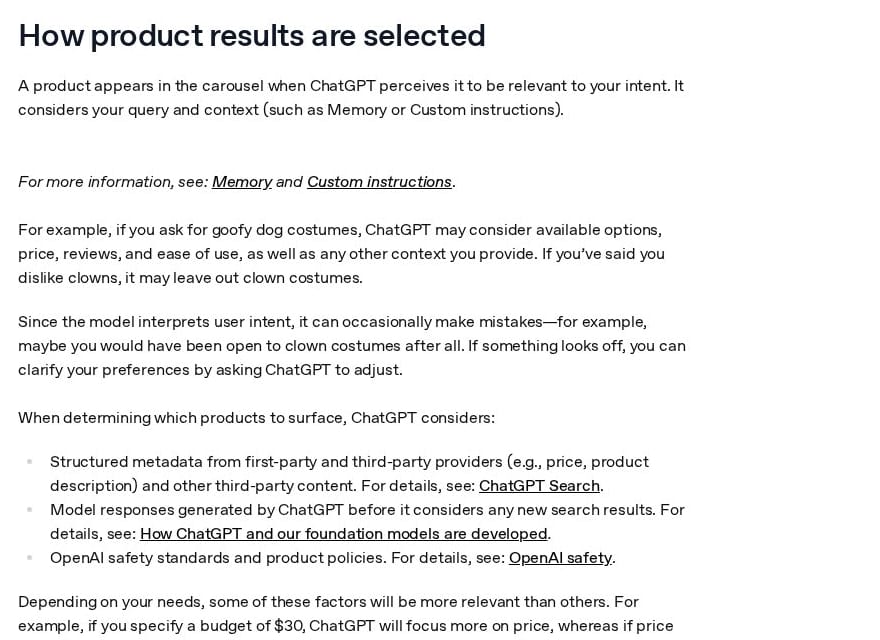
ChatGPT looks at the shopper's intent and context, structured metadata such as price and description, and OpenAI's own policies. OpenAI's help page on help.openai.com, captured in November 2026.
Here is each factor next to where that data sits for a Shopify store.
| What ChatGPT looks at | Where it comes from for a Shopify store | What it means for you |
|---|---|---|
| Fit with the shopper's question and context, such as Memory | The shopper's own words: material, occasion, budget | Titles and descriptions should say plainly what the item is |
| Structured data such as price and product description | Your admin, sent through Shopify Catalog | ChatGPT may shorten your titles and descriptions |
| Review summaries and labels like "Most popular" | Reviews on public websites; ChatGPT writes the labels | Reviews only count if they are public |
| Price and seller order | Your price; several sellers of one item are ranked | Price updates can show up late |
| Availability | Stock for each variant in your admin | An item out of stock is a weaker candidate |
| Paid placement | None: product results are not ads | You cannot buy your way into the carousel |
Two of these deserve a closer look for fashion stores. When several merchants offer the same product, OpenAI ranks them by availability, price, quality and whether the merchant is the maker or primary seller of that item, so a brand selling its own designs sits in a different position from a store reselling another label. The price in ChatGPT's first answer usually comes from the first merchant listed, and it may not be the lowest.
On descriptions, Yeşilyurt's team reports that ChatGPT reads only the first 50 tokens, about 40 words. That is the team's own test, not an OpenAI document.
Get your fashion photos and product data ready before the holiday rush
OpenAI's pages do not say which listing photo Try On uses. The aim of this list, ordered from highest risk, is that every card shows your real product.
- See what shoppers see. Ask ChatGPT for your three best-selling items, tap Try On, and compare the photo, sizes and price with your admin. Fix any mismatch in your admin, and allow for some lag before price changes appear.
- Give every color its own main photo and keep stock right for each variant. In OpenAI's product feed spec, each variant is a separate row with its own price, availability, URL and images, the main image shows that variant, and the color matches the photo; extra images cover other angles. Shopify stores don't send this feed themselves, because the data goes through Shopify Catalog, so check the variant photos in your admin.
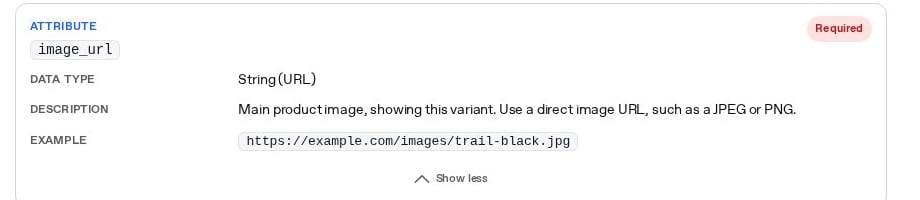
The image_url field: one main image that shows the specific variant. OpenAI's product feed spec on developers.openai.com, captured in November 2026.
- Write descriptions that say what the item is, its material, and its size chart and measurements, since OpenAI tells shoppers to check measurements before buying. If you sell in the US, put the key facts in the first 40 or so words; Yeşilyurt's team also found that listing each variant on its own gives more chances at a carousel slot.
- Decide on the compare-at toggle. Since October 9, 2026, Shopify shares compare-at prices with AI shopping agents through Shopify Catalog, according to the Shopify changelog; before that, agents saw only the current price. The toggle sits in the "Compare-at" section of your admin.
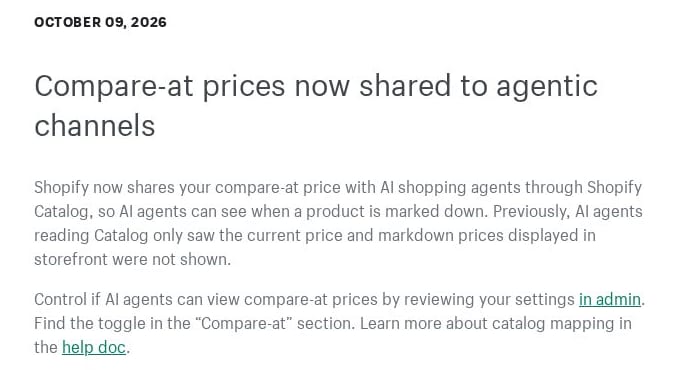
Shopify's changelog: compare-at prices now reach AI agents, with a toggle in admin, on changelog.shopify.com, captured in November 2026.
If you would rather leave ChatGPT, know the cost first. Shopify says turning off catalog access can take up to 7 days to stop sharing, and hiding a single product means marking it unlisted, which also hides it from sitemaps, Google and your own store search.
Start with your three best sellers in ChatGPT, then open Sales channels > Agentic: the shoppers count there shows visits from AI chat apps, mostly people who clicked a link.