All stories · Article
Spending big on BFCM ads, but is your website ready to take orders?
In mid-October, several ecommerce practitioners landed on the same problem: brands pay heavily to bring shoppers to their site, then rarely walk through the buying experience themselves.
Share: WhatsApp · Telegram · X · Facebook · LinkedIn · Email
It came up in a post by an agency operator, in an Indian home furnishings brand's search for a conversion specialist so its ad money isn't wasted, and in an X account that had just rebuilt a product page.
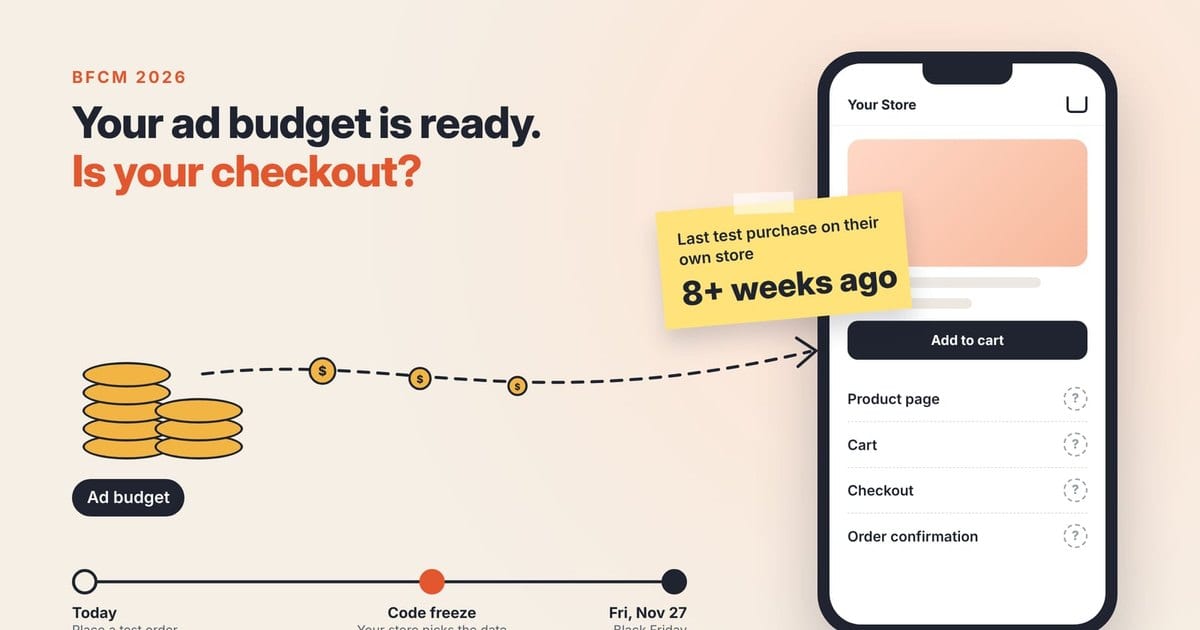
The agency operator is Bryan MacDonald of pb+j, a DTC growth agency. By his own data, the average brand hasn't added a product to its own cart and gone all the way through checkout in more than 8 weeks, while it gets ready to spend hundreds of thousands of dollars driving traffic for Black Friday Cyber Monday (BFCM).
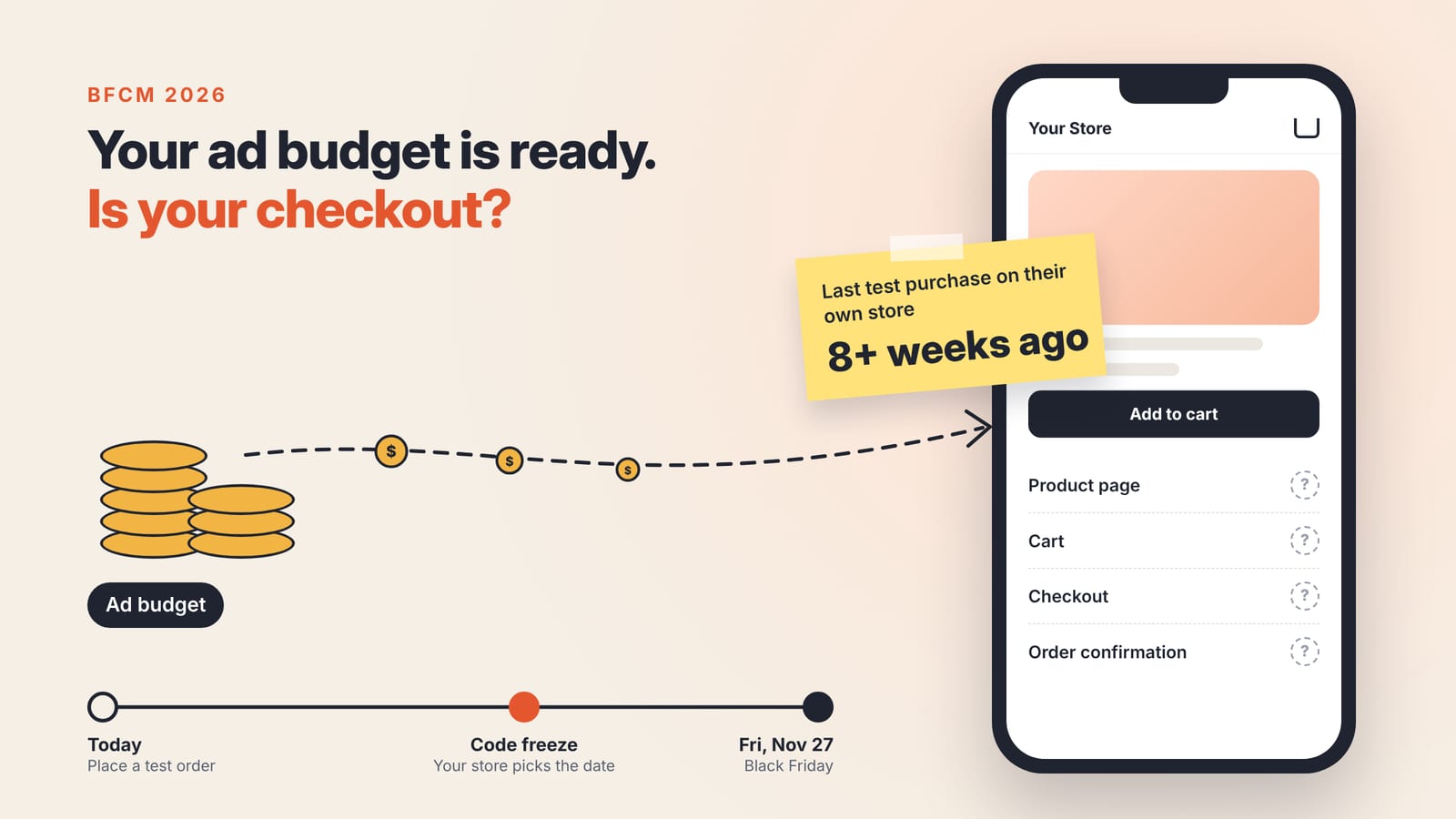
Black Friday lands on Friday, November 27 this year, but your checks should be done before the date you stop touching your theme and apps. Between now and then, place an order yourself and check again after every change.
3 things to check before you raise your ad budget
THE BUYING PATH
Bryan MacDonald puts the problem in one line:
We get so focused on driving people to the website that we forget to look at what happens when they actually arrive.
So the first job needs nothing new installed. Open your store on a phone, starting on the exact page your ad will send people to. Pick a variant, add it to the cart, enter the discount code you plan to run, pay, and wait for the confirmation email. At every step, ask whether someone who knows nothing about your shop would understand what to do next.
Shopify recommends placing at least one test order when you set up a store and whenever you change payment settings, since a test order covers payments, order processing, inventory, shipping, notifications and taxes. The catch: while a payment provider's test mode is on, customers can't place real orders. Shopify also describes another route, paying for a real order and then canceling and refunding it, which may cost you processing fees.
If those fees are acceptable, this route can disrupt customers less than switching on test mode.
PRODUCT PAGES
Once you've walked through a product page yourself, ask whether the copy helps shoppers see why they'd buy or just lists features. Lios on X says they rewrote the page for a serum along those lines, with the same product and the same price, and conversion went from 1.2% to 4.3%. It's one person's account of one case, but it's a reminder that the words on the page deserve a look too, not just the buttons and the cart.
Lios@liosecomFrom 1.2% → 4.3% conversion rate.
Been noticing a lot of brands dump money into ads but the actual product page still looks like it was built in 10 minutes.
Redid this one.
Same serum, same price. Just tried to make the page actually explain why someone would want it instead of just listing features.Oct 18, 2026 · View on X
While you're on the phone, notice what shows before anyone scrolls. Under the home furnishings brand's hiring post mentioned above, a developer suggests opening a product page on a midrange Android over mobile data and checking whether the price, size options and add-to-cart button appear right away. In his view, add-on bundle apps and review widgets often push those elements down or slow the page.
APPS AND PERFORMANCE
The app warning matters because this is app deal season too. A roundup from Wholesale Helper, itself a Shopify app, lists BFCM 2026 offers from 32 apps, most running from October 6 to November 30. Discounts make installing a few more apps right before the sale look reasonable.
A Shopify developer observes that most brands install 3 or 4 new apps right before Black Friday for bundles, custom carts and upsells, and that stacking apps this close to the holidays tends to leave clunky widgets and slow pages just when ads bring in the most visitors. Not every store has someone who can write code to skip apps the way he does, so the practical move is to recheck after every install.
The Web Performance dashboard in your admin helps here. Its timeline marks app installs and theme updates, so you can see which change moved your speed. Data can lag by up to 36 hours, so an app installed close to the sale may not show its impact in time.

After any theme change, also confirm that Meta pixel, Conversions API and GA4, the tools that tell Meta and Google a customer bought, are still recording correctly. A web agency founder raised this under the same hiring post, and the brand had already written keeping these tracking tools intact into the job requirements.
Pick your own store's freeze date
Every check above takes time, which raises the next question: when should you stop making changes? Wholesale Helper notes that most Shopify merchants stop changing themes and apps somewhere between November 14 and 20.
Treat that range as a reference only. The more apps you plan to add or theme edits you plan to make, the earlier your freeze date should be, so there's time to recheck each change.
One way to split the time left:
- By Halloween: place a test order, fix whatever trips you up while buying, install and try out the apps you plan to keep, and build a first version of your sale page to test.
- Early November to your freeze date: refine the sale page using data from the test run, place another test order after every change, and watch the Web Performance dashboard. The sale page should go live about a week before Black Friday.
- After your freeze date: adjust offer copy only. No new apps, no theme edits.
If Bryan MacDonald's number holds for your store, the last time you bought something on your own site may have been before the end of August.