All stories · Article
Google Universal Cart brings multi-store shopping to Search and Gemini
Since October 15, 2026, US shoppers have been able to compare products and check out inside Google Search and the Gemini app.
Share: WhatsApp · Telegram · X · Facebook · LinkedIn · Email
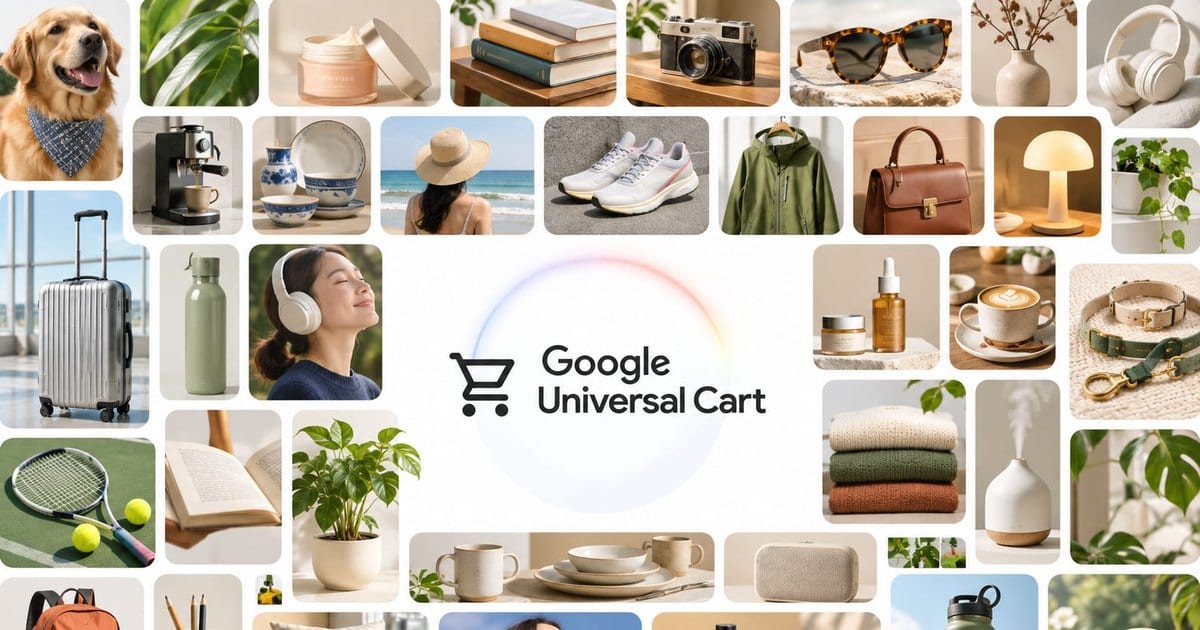
For eligible Shopify stores, direct checkout is on by default. That means your product feed can now influence a sale before shoppers ever visit your website.
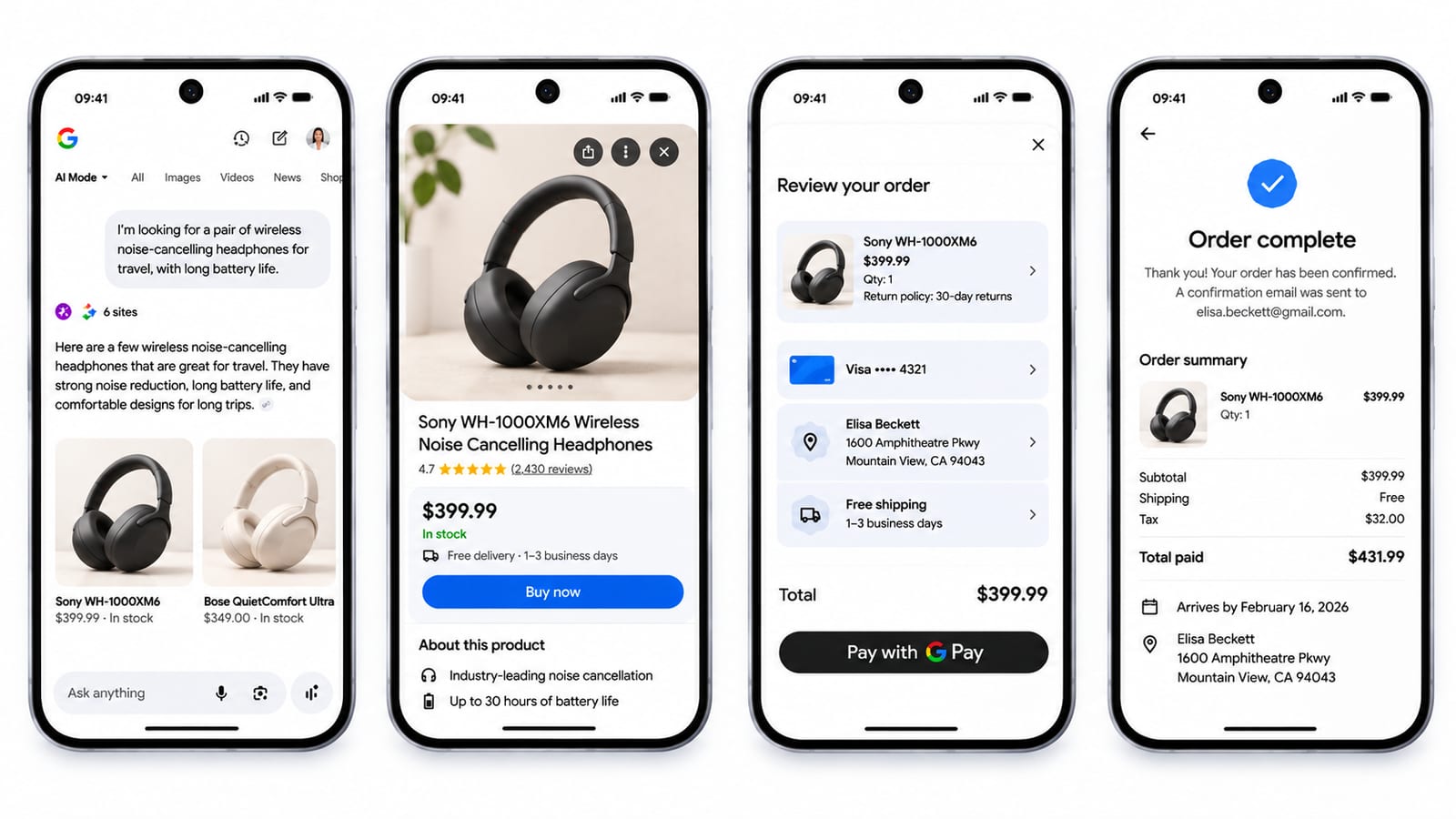
Your products are being compared before shoppers reach your store
Google's Universal Cart brings products from multiple retailers into one cart across Search and Gemini.
Powered by more than 60 billion Shopping Graph listings, it can alert shoppers to price drops and restocks, surface promo codes, and suggest which Google Wallet card to use.
Shoppers can pay with Google Pay or move their cart to a retailer's website. Either way, the retailer remains the seller of record.
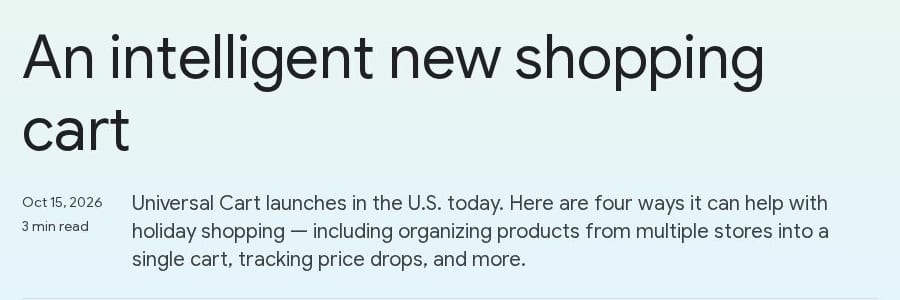
Google's launch post for Universal Cart. On blog.google, captured in November 2026.
Payment is moving into AI assistants as well. On Shopify's third-quarter earnings call on November 3, 2026, President Harley Finkelstein said the assistants Claude Duet, Instinct and Grok Bot let shoppers pay with Shop Pay, even at merchants not on Shopify.
Different companies, same shift: shoppers are comparing products through feeds before they visit your store.
Why the page still has to match the feed
AI-referred shoppers are converting at higher rates. Adobe data reported by Chief Marketer shows that in July 2026, AI visitors to US retail websites converted 60% more often, generated 53% more revenue per visit and were 34% less likely to bounce than visitors from other channels. @a16z shared the same figures on November 1.
a16z@a16zShoppers sent by AI show up ready to buy
AI-referred shoppers vs. other online shoppers:
- Conversion +60%
- Revenue per visit +53%
- Bounce rate -34%
Charts of the Week: https://t.co/VOYp2wQyoZ https://t.co/aS8mCoMmwLNov 1, 2026 · View on X
But there's another number worth paying attention to: 66% of 5,000 US consumers surveyed said they visit a brand's website directly to verify an AI recommendation.
That's why Shopify advises merchants to keep product information and store policies, including returns, consistent across Shopify and Google Merchant Center.
The feed and the product page now have to say the same thing.
Shopify's own figures show AI traffic growing 2.6 times year over year and AI orders growing 3.3 times.
These shoppers converted 64% more often than organic search visitors. Finkelstein also cautioned that AI-driven volume is still relatively small. These are platform-wide averages, not a forecast for every store.
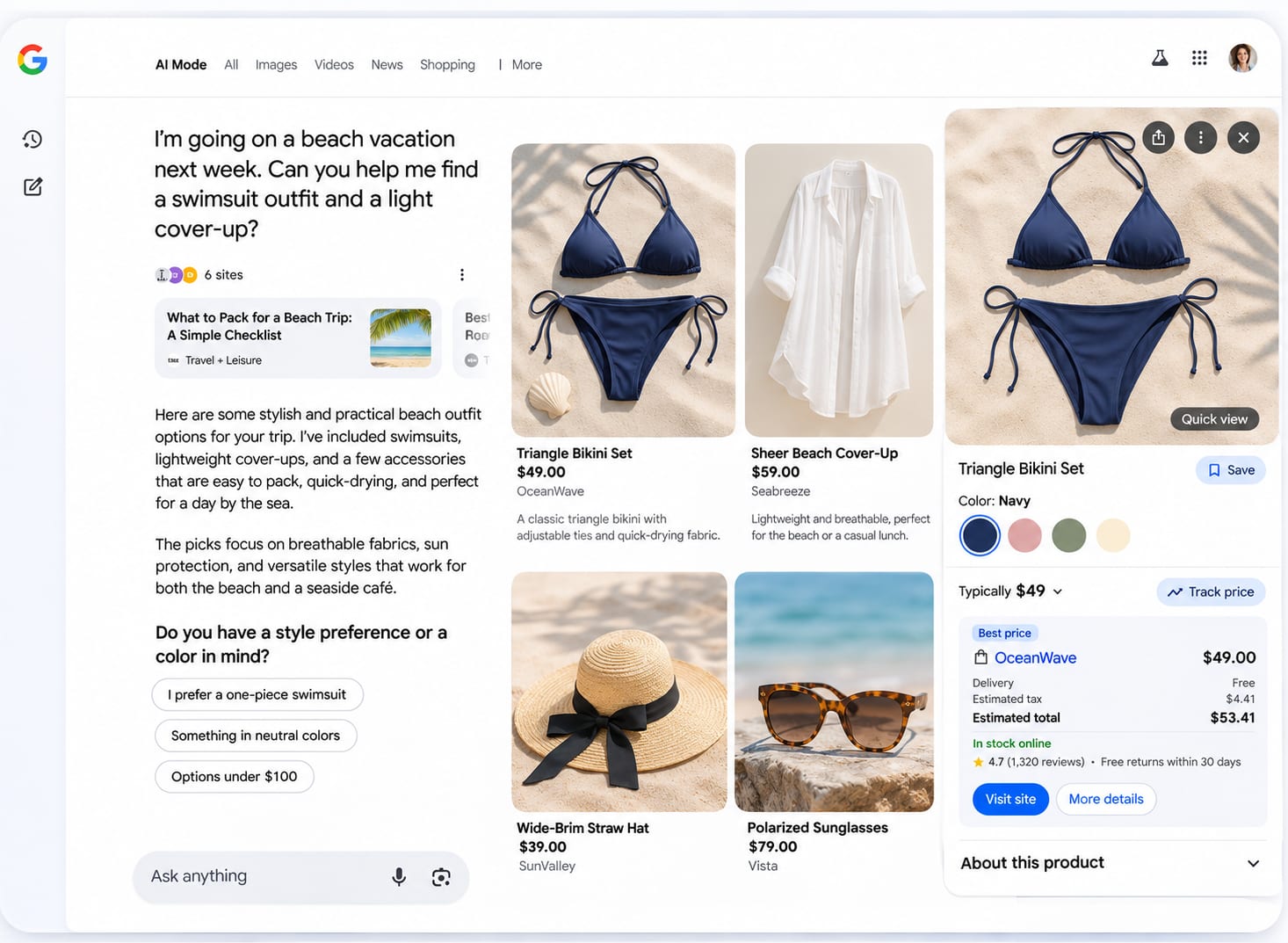
Is direct checkout already on for your store?
If your store meets the requirements, it should be enabled by default. Shopify's help page explains that shoppers can pay directly inside Google AI Mode and Gemini without visiting your website.
To qualify, your store must:
- Sell to customers in the US, Canada or Australia, regardless of where the store is based.
- Have a valid Google Merchant Center account with products listed.
- Have its Terms of Service, Privacy Policy, and Return and Refund Policy completed in Shopify.
The feature is still rolling out, so it may not appear in every eligible store yet. If you turn it off, your products can still appear in Google, but shoppers will be sent to your store to complete their purchase.
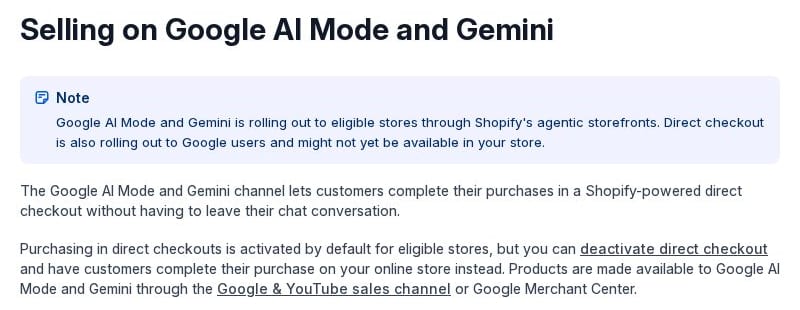
Shopify's help page: direct checkout is on by default for eligible stores. On help.shopify.com, captured in November 2026.
There are trade-offs. Direct checkout doesn't support subscription-only products, bundles, customizable products or B2B-only products. Upsells, trust badges, reviews and loyalty elements may also be missing.
Tracking is another limitation: Google Analytics and custom pixels don't fire in direct checkout. Only server-to-server pixels continue to work.
So a store may already be receiving orders through this channel without seeing the full picture in its usual analytics reports.
What to check on your 10 best sellers
Start with your best-performing products. You don't need to review your entire catalog at once.
- Check your checkout settings. Go to Sales channels > Agentic > Google AI Mode and Gemini and look for the Direct checkout setting. To change it, turn off "Allow Shopify to manage for me", adjust the setting and click Save.
- Compare your feed with your product pages. For your 10 best sellers, check that prices, inventory, shipping costs and return policies match between Google Merchant Center and Shopify. Fix any discrepancies.
- Review the limitations before deciding. If your best sellers include bundles or subscription-only products, or your reporting depends on Google Analytics or custom pixels, consider the impact before keeping direct checkout enabled. If none of these apply, you can skip this check.
Start with your top-selling product. Open its Shopify product page and Merchant Center listing side by side, then compare the price, stock, shipping and return details.
Sources · 4 · fool.com, chiefmarketer.com, x.com +1
- third-quarter earnings call · fool.com
- Chief Marketer · chiefmarketer.com
- @a16z · x.com
- help page · help.shopify.com