All stories · Hot News
Managed Markets Introduces Flat-Rate International Shipping, Rollout Currently Limited to Select Markets
On October 24, 2026, Shopify enabled Managed Markets to handle international shipping rates alongside duty-inclusive pricing.
Share: WhatsApp · Telegram · X · Facebook · LinkedIn · Email
With this update, buyers see a flat shipping fee at checkout, while stores get guaranteed label costs.
The feature is currently in early access and limited to select merchants, so you might not see this section in your store admin just yet.
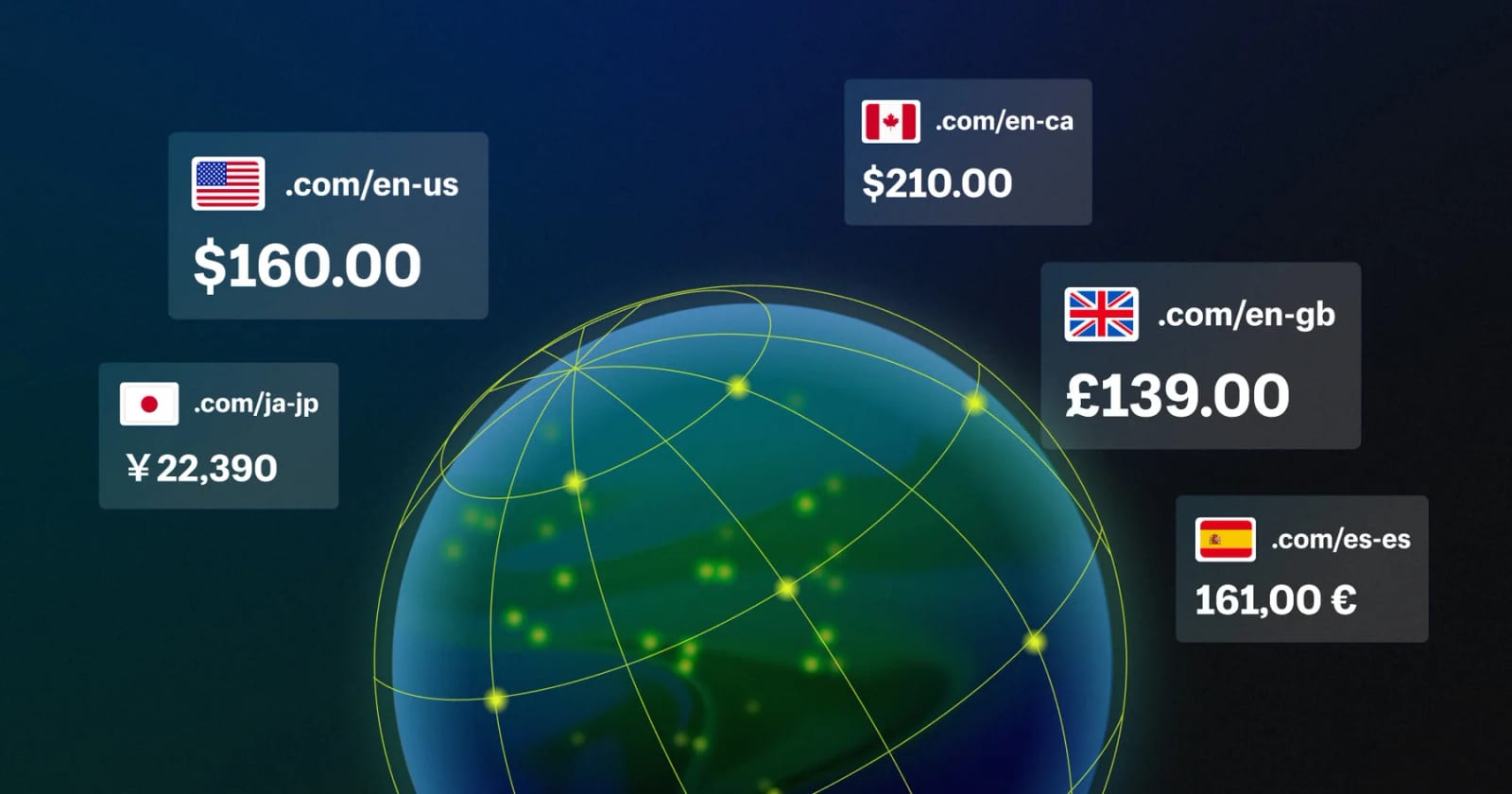
What does flat-rate shipping mean?
Managed Markets sets one Standard rate and one Express rate for each destination country. The amount the customer pays doesn't change based on package weight or dimensions, nor does it vary by address within the same country. It only varies based on the post-discount order value.
Shipping costs are split into two parts: one portion is built directly into the product price, while the remaining balance is collected as a shipping fee at checkout.
You can also enable an option to subsidize part of the cost yourself to make the customer-facing price even lower. This subsidy only applies to orders above a minimum threshold, and the amount is suggested by Shopify for each market—you cannot edit it manually.
This change aims to guarantee shipping label costs
If you purchase eligible prepaid FedEx or DHL Express labels through Managed Markets, you won't be charged extra if the carrier later applies adjustments to the label cost.
Label cost guarantees do not apply to labels from other carriers. Those labels are billed as usual, and the shipping fee collected from the customer for that order will be reimbursed to you.
Requirements and conditions
- Duty-inclusive pricing is required.
- Managed Markets sets and updates shipping rates; you cannot edit them yourself.
- Disabling the feature for a market allows you to use your custom rates again, but you will lose the label cost guarantee.
- Managed Markets is only available for businesses based in the US, Canada, or the UK. For US stores, fulfillment locations must be in the continental US, excluding territories like Puerto Rico and Guam (Help Center).
Where to view and adjust settings
Before enabling, Shopify lets you preview international product prices, the total amount customers pay at checkout, and estimated payouts for each market. Go to Markets in your admin, open a market, and look for the Managed Markets section.
Under Fulfillment options, click Download rate table to export the current shipping fee table as a CSV. This table is read-only and cannot be edited and re-uploaded.
When enabled for the first time, Shopify adds a promotional banner for flat-rate shipping to your store via an app embed. You can turn off or customize this banner in the theme editor.
Comparison: Before vs. After enabling
| Item | Before enabling | After enabling |
|---|---|---|
| Who sets shipping rates | You, based on your store's custom rates | Managed Markets, set per destination country; non-editable |
| How customers pay for shipping | Based on your custom rates, charged at checkout | Part is built into the product price, the rest is charged at checkout |
| Rates vary by weight, size, address | Depends on your setup | Fixed; only varies based on post-discount order value |
| Carrier label adjustments | No guarantee | Protected against extra charges for prepaid FedEx or DHL Express labels bought via Managed Markets |
| Storefront banner | None | Shopify adds an app embed banner, editable in theme editor |
Glossary
| Term | Definition |
|---|---|
| Managed Markets | Shopify's cross-border commerce service. It acts as the merchant of record for your store, handling taxes and import duties |
| Duty-inclusive pricing | Product prices on the storefront already include import duties, so customers aren't charged extra upon delivery, and duties don't show as a separate line item at checkout |
| Flat rate shipping | A checkout shipping fee that doesn't change based on package weight, dimensions, or destination address within the same country |
| Carrier adjustment | Additional charges applied by carriers after you purchase a label, usually due to discrepancies in actual weight or dimensions |
| App embed | A block of content inserted by an app into your store theme, managed via the theme editor rather than page content |
| Early access | A release phase where a new feature is only rolled out to select merchants before a full public launch |