All stories · Article
Microsoft Clarity adds AI agent tracking to website analytics
Microsoft's new Agent Activity dashboard shows which AI agents visit your website and what they do there.
Share: WhatsApp · Telegram · X · Facebook · LinkedIn · Email
But if you're using conversion rates to decide what to change on your Shopify store, there's an important limitation: Clarity still can't separate what an agent does from what a human does after taking control.
That makes Agent Activity a visibility tool, not a conversion-cleaning tool.
What Clarity actually measures
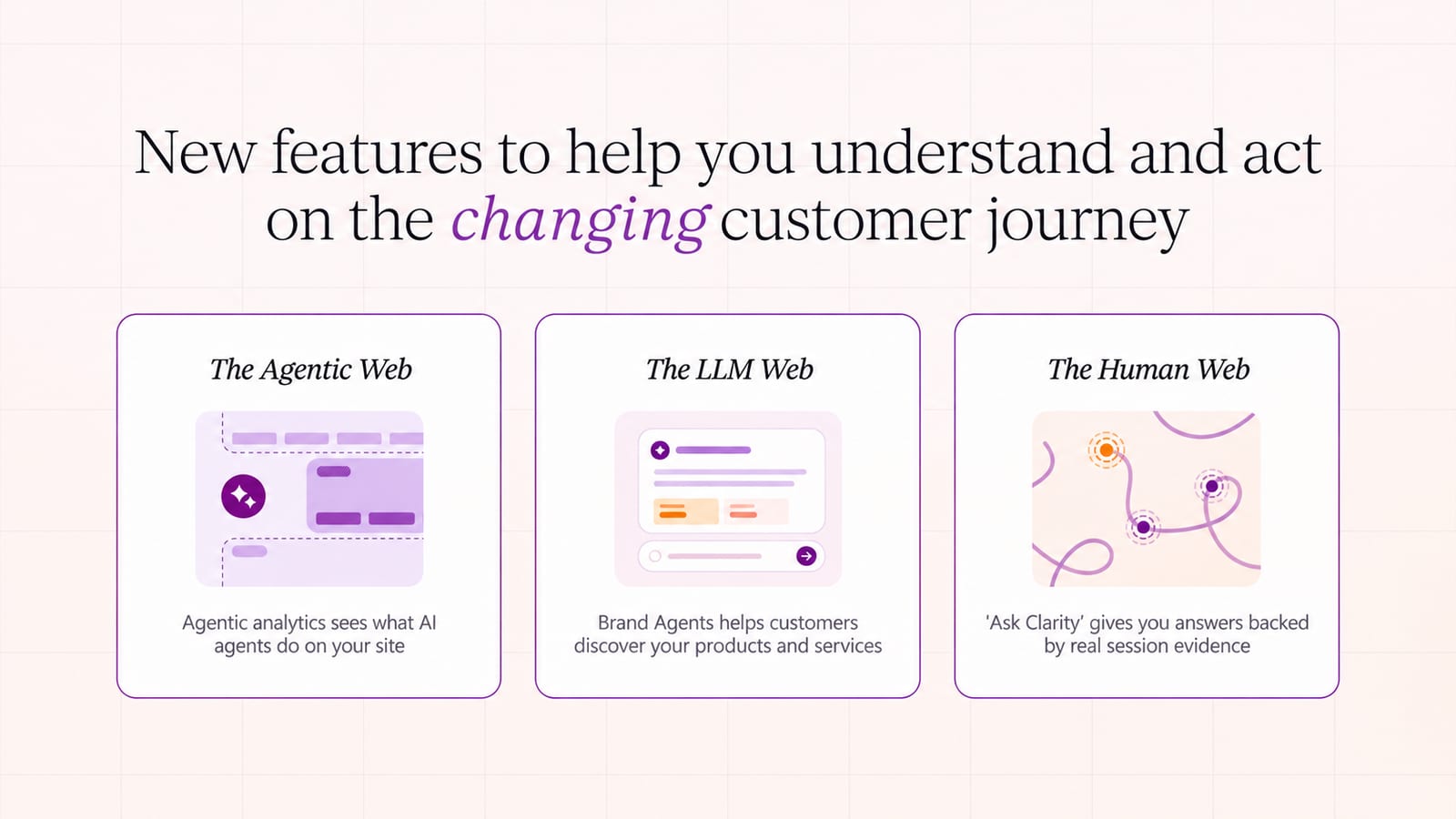
On November 4, 2026, Microsoft introduced Agentic Analytics in Microsoft Clarity, including a new Agent Activity dashboard.
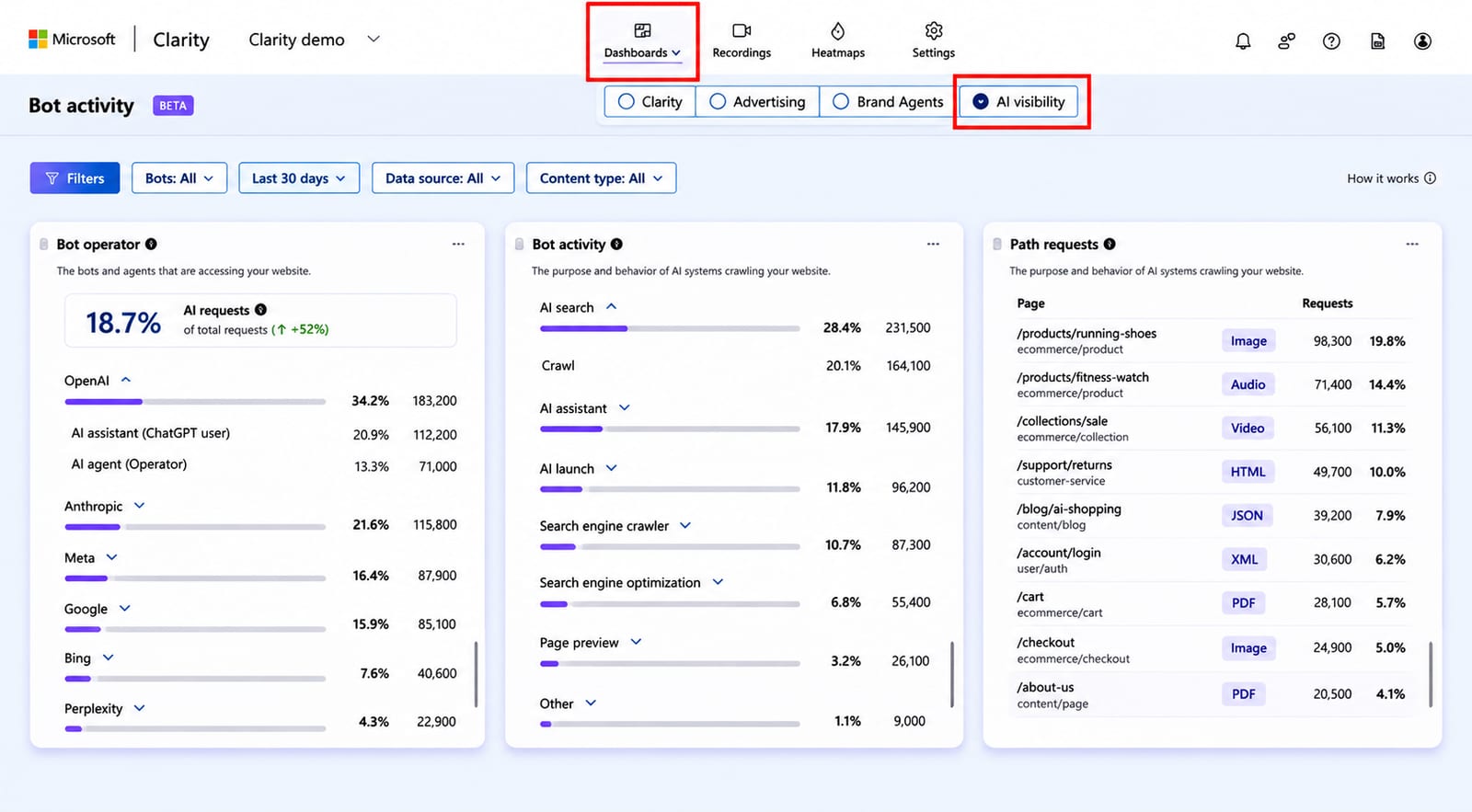
The dashboard shows how agent traffic changes over time, which supported agents visit a website, and what actions appear in those sessions. These include searches, form submissions, logins, bookings and checkout activity. Merchants can also run simulations to see whether agents can complete selected tasks on their websites.
The launch follows a study published by Clarity on October 29. Microsoft analyzed more than 5.2 million sessions involving AI agents across 230,511 Clarity projects between August 13 and September 9, 2026.
The study identified agent traffic across three ecosystems: OpenAI, Google and Anthropic.
But there is a crucial distinction between identifying an agent-involved session and identifying who performed each action inside it.
For example, an agent might browse products, add an item to a cart and then hand control back to the customer at checkout. Clarity may record that as one agent-involved session, even though the customer completed the final steps.
So the dashboard can tell you that an agent was involved. It cannot always tell you which actions the agent completed independently.
Microsoft's study and methodology
Why this matters for your product-page numbers
The problem becomes more important when agent sessions are counted alongside human sessions in the analytics used to evaluate store performance.
Microsoft's study found a noticeable difference in the actions recorded during the two types of sessions.
| Recorded action | Agent-involved sessions | Human-only sessions |
|---|---|---|
| Checkout | 25.21% | 14.65% |
| Outbound click | 14.28% | 26.99% |
| Form submission | 19.85% | 18.56% |
Source: Microsoft Clarity, October 29, 2026.
Checkout appeared in 25.21% of agent-involved sessions, compared with 14.65% of human-only sessions.
Outbound clicks showed the opposite pattern: 14.28% versus 26.99%.
This suggests that sessions involving agents may follow a different interaction pattern from visits made entirely by people.
But these figures need to be read carefully.
They measure the percentage of sessions in which a particular event was recorded. They do not show that 25.21% of agents completed purchases, nor do they establish a step-by-step conversion funnel. Microsoft explicitly says the events are independent, non-mutually-exclusive counts across websites and industries.
Why should a Shopify seller care?
Because checkout activity, form submissions and other events can feed into the numbers used to evaluate product pages, campaigns and customer journeys.
If agent-involved sessions are mixed with human visits, a change in those numbers may not reflect a change in how human shoppers behave.
An increase in checkout events, for example, does not automatically mean more customers are buying. Some of that activity may come from agents reaching checkout, or from customers completing a purchase after an agent hands control back.
The distinction matters when deciding whether to redesign a product page, change an offer or adjust ad spend.
The bigger problem: websites still don't know every agent visiting them
Clarity's coverage is also limited by agent identification.
Its study covers detected agentic browser providers across OpenAI, Google and Anthropic. That does not mean every AI agent visiting a website will appear in the dashboard.
Meta's Muse illustrates why this matters.
HUMAN Security's September 2026 report found that Muse accounted for 40.34% of observed agent traffic that month. In its early observations, Muse had accounted for as much as 72% of daily agent requests.
HUMAN Security's agentic traffic report
Muse is not among the three ecosystems named in Clarity's study.
There is also a wider identification problem. Arkose Labs reported that only 2.3% of legitimate AI agent sessions in its Q3 2026 dataset presented a verified Web Bot Auth signature, a cryptographic way for an agent to identify itself.
In other words, many legitimate agents still arrive without verifiable identification.
Retailers are beginning to treat this as a business issue, not just an analytics problem. Home Depot CIO Angie Brown told Business Insider that the company wants agents to identify themselves and demonstrate that they are acting on behalf of real customers before being allowed to shop.
Business Insider's report on Home Depot
The common challenge is clear: websites need to know whether a visitor is a person, an agent acting for a person, or another kind of automated traffic.
Until identification improves, any dashboard that relies on detected agent identities will show only the traffic it can recognize.
What Shopify sellers should do now
You do not need to rebuild your analytics setup just because Clarity has introduced Agent Activity. But if you regularly use product-page conversion rates to make decisions, it is worth understanding how much agent traffic may be involved.
A practical checklist for this week:
- Open Agent Activity in Clarity. Check whether your site is receiving traffic from the supported AI agent ecosystems.
- Establish a baseline. Record the agent-involved session volume and its share of overall traffic. If page-level or URL-level breakdowns are available, pay particular attention to your highest-traffic product pages.
- Keep the two populations separate in your interpretation. Do not treat agent-involved sessions as fully autonomous agent visits, or assume their recorded checkout events represent completed orders.
- Test the shopping journey. If agent traffic is meaningful, use Clarity's simulation assessment to see whether an agent can find a product, navigate the page and reach the required checkout steps.
For stores with little detectable agent traffic, this does not need to become an immediate optimization priority. That is a practical prioritization judgment, not a conclusion established by Microsoft's research.
The takeaway: Clarity can help you see that AI agents are entering your store and interacting with important parts of the buying journey. But it cannot yet tell you exactly how much of your conversion data belongs to agents rather than people.
Before changing a product page because its conversion rate has moved, find out whether the traffic behind that number has changed too.