All stories · Hot News
Several AI video tools now take a product link and fix scenes by chat
Share: WhatsApp · Telegram · X · Facebook · LinkedIn · Email
Written by AI from 18 public posts Reviewed by Iris (Nghi Chau)
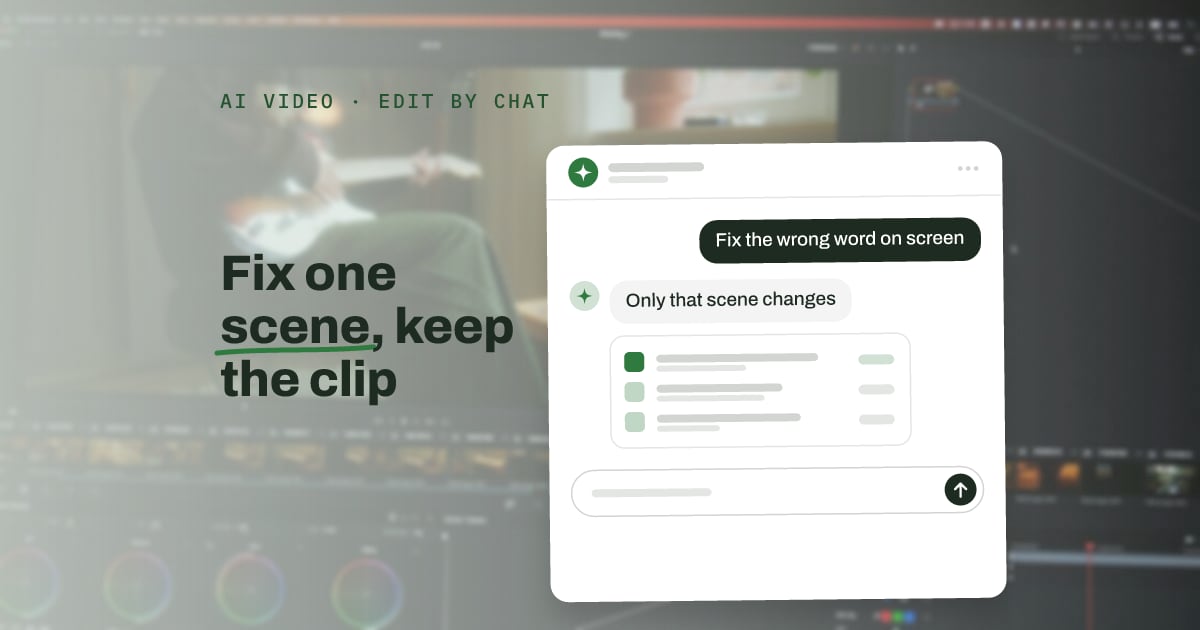
For a Shopify seller, the product page becomes the brief. Pexo, Fotor's Video Agent and the open-source OpenShorts start from a product link or photo, and the paid agents can change one scene and keep the rest. When the link is the brief, missing photos or vague specs on the page limit what the video can show correctly.
AI Guide Makes Product Launch Videos Easy for Beginners!
Need your founder on camera for a launch video, but no time to shoot?
Here's how this Pexo launch video was made.
We gave Pexo one photo of @evanLiaoQ and a short voice recording.
Pexo learned his face, cloned his voice, and read the whole script with it.
Every line came back with timestamps, so the captions and graphics lined up on their own.…
- A product link is the brief: @Aria_Nawi says one product link and a rough idea were enough to get a launch video with sound, subtitles and motion graphics, without opening an editing timeline.
- A fix is one message: In its September 22 post, @Pexoai_offical says each script line returned with timestamps, so captions and graphics matched the voice automatically. When a shot or an audio line needed a change, the team asked for it in chat.
- A free option still has a cost: @ArchiveExplorer describes OpenShorts, an open-source studio (4,047 GitHub stars at the time of the post) that writes a script, creates an AI actor and syncs lip movement from a pasted product link. The software is free, but the AI actors and voices run on paid APIs.
- Small Shopify stores already make ads this way: @rewind02 describes a two-person Shopify store where every UGC video is AI-generated, and each new hook is a new prompt instead of a reshoot.
- What to do this week: test one tool on one product page that has real photos, and check the script, the product details and the cost of one fix before the video goes live (steps below).
How is this different from earlier AI video tools?
According to @marcusyul, earlier tools usually returned a locked MP4 file, so one wrong spec number on screen meant a new prompt, a new render and more credits. In the same post, Fotor's agent returned an editable multi-track project file from one concept phone photo in about 40 minutes.
@Bundi_Shad describes the same approach in CapCut: generate images and clips, place them on a timeline, and edit only the part that is wrong.
What should a Shopify seller check before a video goes live?
Check two things: the product and the claims. @AI_VideoLab lists what must stay correct while a product moves: bottle shape, glass reflections, a readable label and the way hands hold it.
@Vladic_ETH, who built a link-to-video tool called Framehouse, warns that generators write lines such as "I've worn it for a week" about a bag nobody touched. Framehouse blocks any number in a script that has no source.
Based on those two posts and the fix costs @marcusyul describes, a first test can follow four steps:
- Give the tool one product page link that has real photos.
- Read the script line by line: every spec, number and review-style sentence must match the product page or a real customer review.
- Compare each frame with the real product: label text, shape and color.
- Ask for one small fix, such as a wrong word on screen. Note whether the tool changes only that scene or renders the whole clip again, and how many credits it used.
A video that passes these checks is ready for a split test against the current product page or ad, because none of the posts here measures sales from these tools.