All stories · Hot News
Shopify launches Canvas, an AI store designer for faster builds
Share: WhatsApp · Telegram · X · Facebook · LinkedIn · Email
Written by AI from 12 public posts Reviewed by Iris (Nghi Chau)
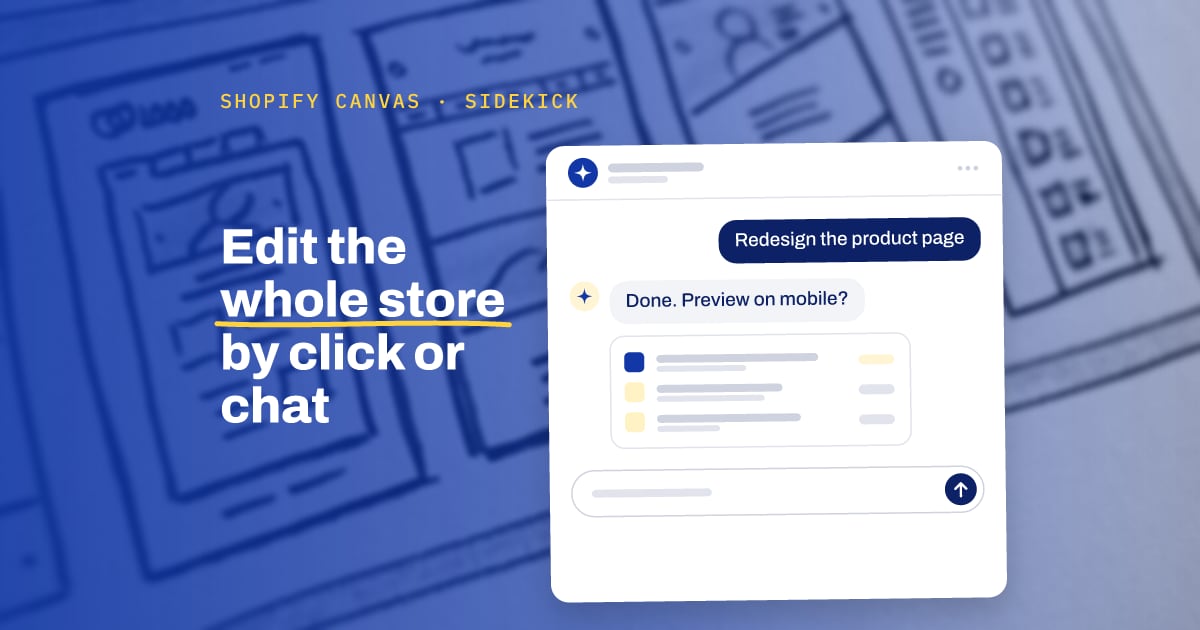
Canvas edits a copy of your theme and leaves the original unchanged, so a test is low-risk. It is not ready to replace a live theme that uses apps or several languages: Shopify lists no support for app blocks, app embeds, translations or Markets. Public feedback comes from store builders, and we found no conversion data yet.
. @Shopify just became @Lovable for ecommerce.
Canvas puts every page of your store on one board, rendered from your real theme.
Click anything or ask Sidekick, and it makes the change.
My takes as a Shopify dev: https://t.co/HE7hHdO0Nm
- What happened: Shopify announced Canvas on October 1, 2026, in its changelog and Newsroom post. Canvas shows all store templates side by side. You click an element to edit it, or you ask Sidekick (the AI assistant inside Shopify admin) in a chat.
- Who gets it: Shopify says Canvas is rolling out to existing stores over the coming days. The Help Center lists it as an early access feature for desktop only.
- Why people talk about it: Shopify developer @junaidkbr compared Canvas to Lovable, an AI tool that builds web apps from a chat prompt. In the announcement, Shopify's Ben Sehl claims that a merchant can now build a fully custom store in twenty minutes.
- What to do this week: If Canvas appears under Online Store > Themes, duplicate your current theme into Canvas and test there. The changelog says the original theme stays unchanged. Keep the live theme as it is until you check the limits below.
What is Canvas, and how is it different from the theme editor?
In the current theme editor, you edit one template at a time. Canvas puts every page of the store on one infinite workspace. You pan across the whole store and zoom in on one detail, per the changelog.
Sidekick could already add sections in the theme editor. In September 2026, @miuratakuya_hac described a landing page built in about one hour that way.
The new part in Canvas is scope. Sidekick can change one section or redesign the full store, and the preview runs the real store with animations, different products and different screen sizes. Shopify says Canvas does not replace the existing editor yet (Newsroom).
When will my store get Canvas?
Shopify did not give a date for each store. To check, open Online Store > Themes on a desktop computer.
Shopify announced Canvas on October 1, 2026, and the changelog says the rollout will take place over the coming days. The Newsroom post says all merchants are eligible, while the Help Center calls Canvas an early access feature with limited store availability.
What does early feedback say?
The first public test reports come from people who build stores for brands. @AmerGrozdanic says their team tested Canvas. In that report, Canvas understood the requests, theme changes came out almost as asked, content stayed editable, and responsive layout and basic accessibility were considered. The same team still plans to review the generated code.
Reports about Sidekick in other admin tasks are mixed. These two reports are not about Canvas:
- @CalvinandNOBS said Sidekick could not build a simple customer segment.
- @TRPage_dev said 2 of 3 app suggestions from Sidekick did not match the request.
We found no public reports from non-technical merchants who used Canvas, and no conversion data for pages built in Canvas.
What does Canvas not support yet?
The changelog lists these limits:
- Canvas does not support third-party themes from the Theme Store. You can use a Shopify theme or a custom theme.
- Canvas does not support Markets, rollouts (scheduled and tested theme changes), translations, app blocks or app embeds.
- Themes in Canvas do not get automatic theme updates.
Because Canvas does not support app blocks or app embeds, app features that load through them, such as review widgets, may not show in a Canvas theme.
Ben Sehl, Director of Product at Shopify, wrote in the announcement: "Things will change quickly, and there are gaps we still need to close."
How can I test Canvas without risk to my live store?
Use a duplicate theme. The changelog says you can duplicate a Shopify theme or a custom theme into Canvas, and the original stays unchanged. A cautious first test is one template, such as a product page, previewed with different products and screen sizes.
Before you publish, open the pages that a theme change can break. A Shopify Community thread describes edits that looked fine in the editor but broke elsewhere: a cart drawer on mobile, or a product template that lost its images.
Sources
- Shopify Changelog: Design a fully bespoke store with Canvas
- Shopify Newsroom: Introducing Canvas
- Shopify Help Center: Canvas
- @junaidkbr on X
- @AmerGrozdanic on X
- @miuratakuya_hac on X
- @CalvinandNOBS on X
- @TRPage_dev on X
- Shopify Community: Which pages do you open first after a theme change goes live?