All stories · Case study
Shopify migration: Doors2Floors traffic dipped, top 3 keywords hit 383
Share: WhatsApp · Telegram · X · Facebook · LinkedIn · Email
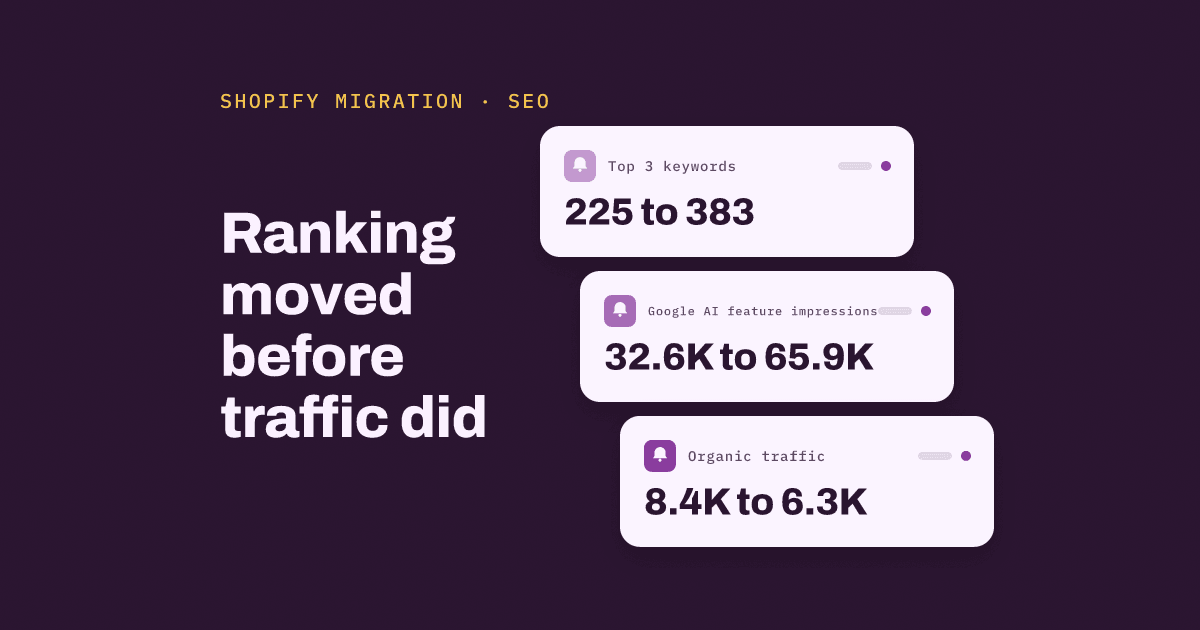
After Doors2Floors moved to Shopify in August 2026, its organic traffic dipped from 8.4K to 6.3K, yet two months on its top 3 rankings and Google AI feature impressions had both climbed, according to Fawad Khan's Doors2Floors SEO case study on LinkedIn.
A UK door store moved 11K URLs, many of them duplicates, to Shopify
Doors2Floors is a UK retailer of internal, fire and external doors plus flooring. In spring 2023 it ran on Visual Soft with about 11K URLs, many of them size and filter duplicates, writes Khan (@mrfawadkhan), who shared the case.
Monthly organic visits then grew from 1.9K in May 2023 to 11.3K in April 2026, a 5.9x rise by Ahrefs' count.
In August 2026 the store moved to Shopify. Legacy URLs were mapped 1:1 with 301 redirects to their matching new pages, and about 11K URLs were consolidated into about 3.5K. Khan argues that cutting 68% of URLs makes Google re-evaluate the whole site.
Traffic fell, but impressions held and top 3 rankings rose
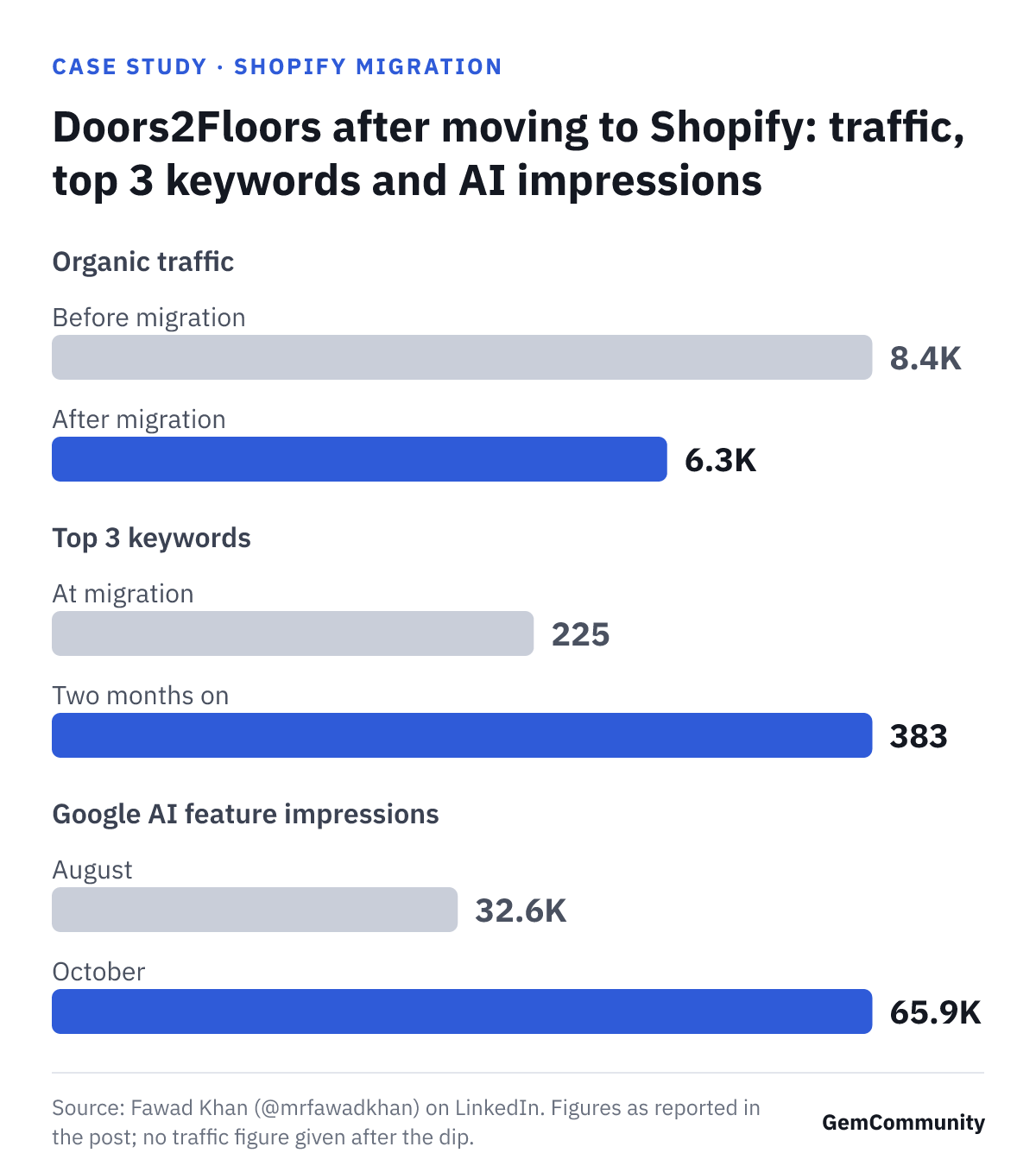
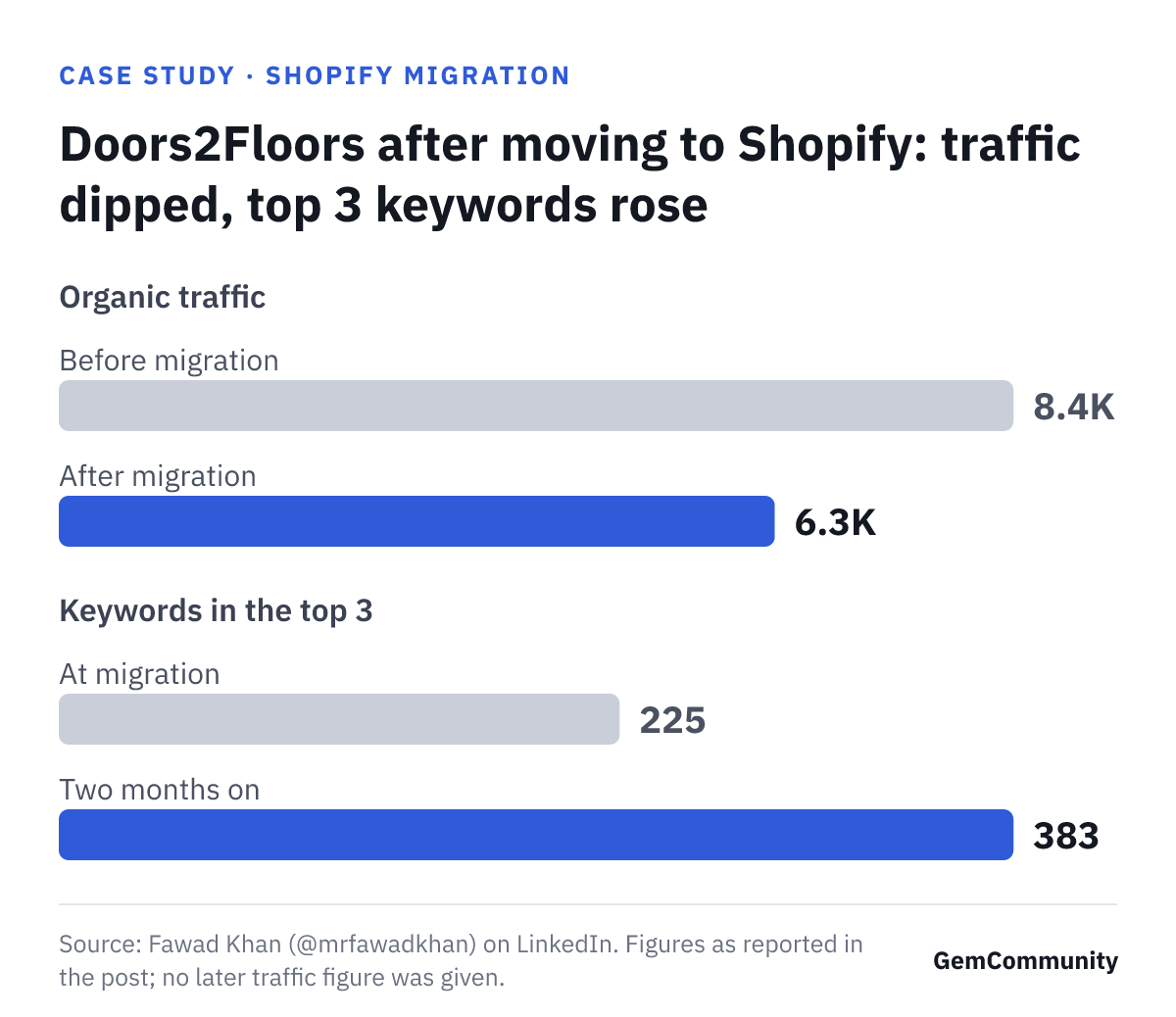
Traffic dipped right after the switch, according to Khan's post: 8.4K before the migration, 6.3K after it. Impressions held, at 2.22M vs 2.26M. Google kept showing the store's pages about as often; fewer visits came from it.
Two months on, the picture had shifted. Top 3 keywords rose from 225 to 383 since the migration. Google AI feature impressions went from 32.6K in August to 65.9K in October, and Khan calls the recovery visible.
In this one case, rankings and impressions moved before traffic did. The post gives no traffic figure after the dip, so it does not show whether traffic has come back. The post also lists schema tied together by @id, a UCP profile, an MCP endpoint, agents.md / llms.txt and a Merchant Center feed via Shoptimised without dating them, so the case can't separate what came from the migration alone.
Is a traffic drop typical after a migration?
A merchant asked exactly that in a Shopify Community thread on traffic loss after a Magento migration in January 2026. The store had moved from Magento to Shopify just over three months earlier and saw UK organic traffic decline.
Kyle Risley, senior lead of SEO at Shopify, gives reference points in Shopify's SEO migration guide. Any change of URLs has some impact on SEO traffic, he writes. His revenue formula is a conservative "prepare for the worst" estimate, and most migrations see declines of 10% or less.
He expects traffic to recover in one to six months. Sites with more pages and more reliance on non-branded queries take longer.
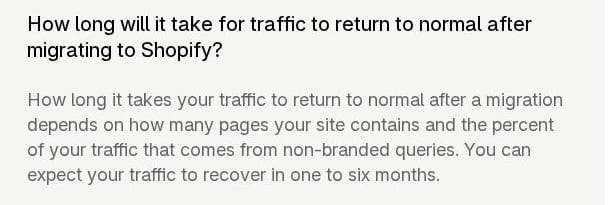
The recovery-time answer in Shopify's SEO migration guide on www.shopify.com, captured in October 2026.
Risley also lists consolidating pages during the migration as a common issue, one that reduces net aggregate keyword rankings.
Doors2Floors sits past both of those markers. Its dip from 8.4K to 6.3K was deeper than the 10% or less Risley cites, though his figure is framed around revenue. It also consolidated pages heavily, and the case does not say which of these drove the dip.
What should you check after a Shopify migration before reading traffic?
Before you read the traffic line, check these three.
- Impressions. They show whether Google still serves your pages in results. If impressions fall along with traffic, redirects are worth checking first: Adam Rogers writes on Shopify's enterprise blog that without 301 redirects in place, new pages lose all the SEO value of the old versions.
- Keywords ranking in the top 3. This count shows whether rankings are rebuilding on the new URLs. At Doors2Floors it climbed from 225 to 383 after the traffic dip, though the post gives no later traffic figure.
- Old URLs returning 404. Each one is a page whose rankings did not carry over, per Risley's guide. Rogers notes that broken or missing redirects can be found with Google Search Console or Ahrefs, and Risley suggests checking Google Analytics or Shopify reports daily for 404 errors.
How do you find old URLs that still return 404 after migrating?
A later reply in the same Shopify Community thread, posted in June 2026, puts the problem plainly: "Checking only the redirects currently configured in Shopify doesn't tell you whether every historical URL is covered." The reply suggests rebuilding the legacy URL list from an old sitemap, a Search Console export, server logs or the Wayback Machine.
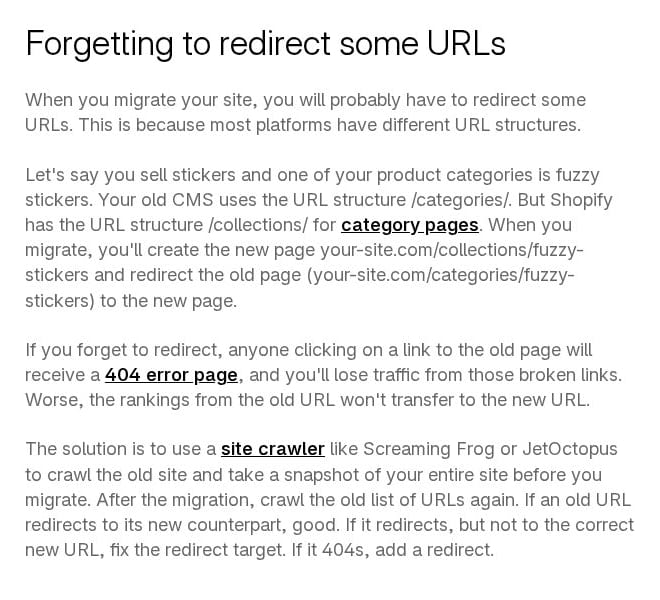
The "Forgetting to redirect some URLs" section of Shopify's SEO migration guide on www.shopify.com, captured in October 2026.
From there, the checks in Shopify's SEO migration guide run in this order:
- Crawl the rebuilt list of old URLs with a site crawler.
- Confirm each old URL returns a 301 to the correct new URL, and that the new URL returns a 200.
- If an old URL redirects to the wrong page, fix the target. If it returns a 404, add a redirect; in Shopify that sits under Online Store > Navigation > View URL redirects, per Rogers.
- Keep the redirects live for at least a year, ideally indefinitely.
If impressions are holding and the old-URL crawl comes back without 404s, waiting within Shopify's one-to-six-month reference range is reasonable. If impressions are falling with traffic, or the crawl turns up many 404s, fix the redirects first.