All stories · Hot News
What 'Tested by Sidekick' measures, and what to check first
Since October 28, 2026, Sidekick can test some theme suggestions on AI-simulated shoppers for stores in early access, per the Shopify changelog.
Share: WhatsApp · Telegram · X · Facebook · LinkedIn · Email
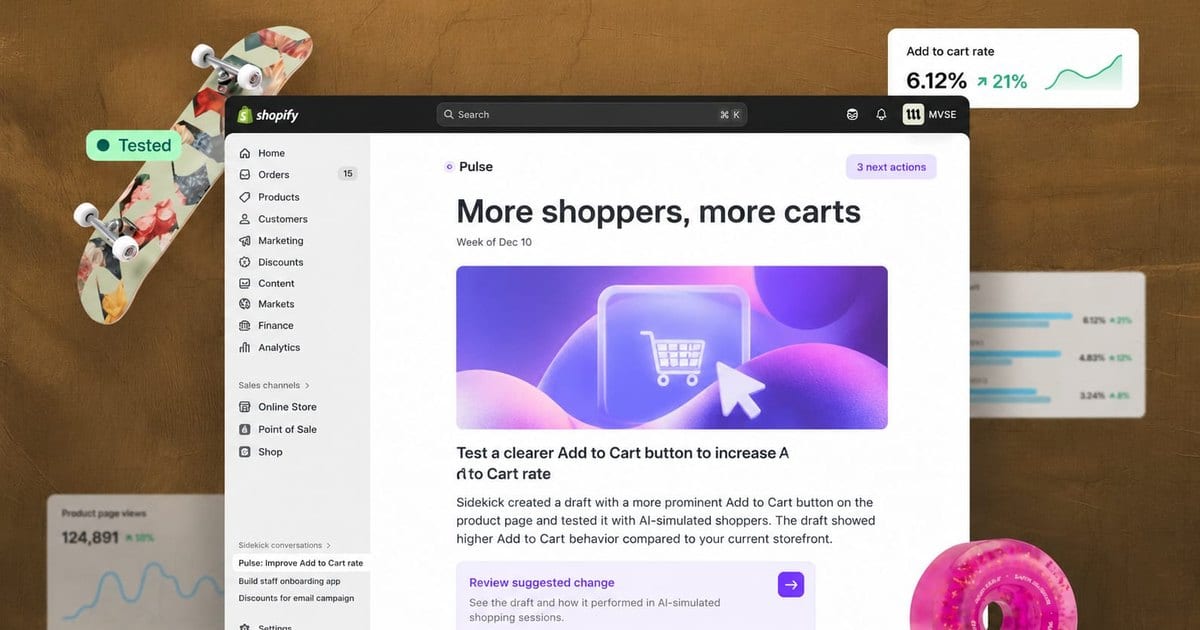
The new label tells you what is worth trying, not what your customers will do.
Shopify states the limit in one line: "These recommendations are not tested on real shoppers and are not live A/B tests."
Sidekick only picks changes it can test as theme edits and that are expected to affect add-to-cart behavior. You still review each change before deciding to apply it.
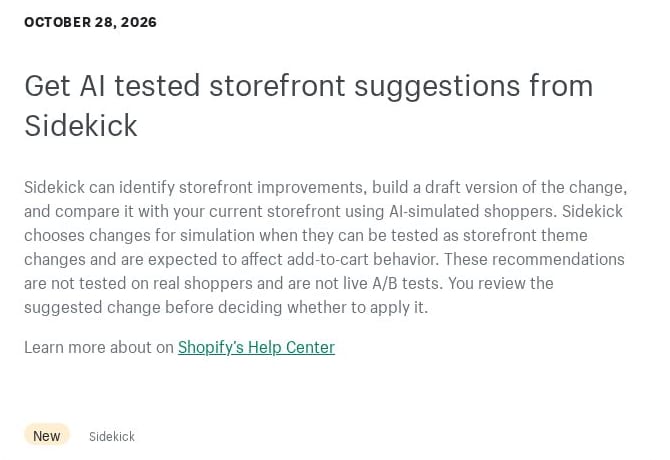
Sidekick's tested-suggestions entry on changelog.shopify.com, captured in October 2026.
What does "Tested by Sidekick" actually measure?
The test runs on a copy of your theme, never on your live store.
Some Pulse cards suggest a theme change, according to the Shopify Help Center page on Sidekick Pulse. Sidekick builds that change into an unpublished copy of your live theme.
The copy and the live theme then go through simulated shopping sessions.
If the copy gets a higher add-to-cart rate, the card shows "Tested by Sidekick." Some cards also carry an Add-to-cart rate badge.
Read the label against what it covers:
- Shoppers: AI-simulated, not your customers.
- Metric: add-to-cart rate, not orders or revenue.
- Device: desktop only. Sidekick tests only changes that display on desktop and aim to help customers add products to the cart.
- Scope: not every suggestion gets tested.
A card that shows Review suggested changes without the label has still been through the test. It means the test found no higher add-to-cart rate for the copy.
You can still open and review that change.
Why don't you see any Tested by Sidekick cards yet?
An empty Home page is often a matter of eligibility, and part of it sits outside your control.
Pulse shows up to 5 suggestion cards at a time on your admin Home page. Sidekick doesn't change your live store without your approval.
To see Pulse at all, three conditions apply:
- Sales: Pulse is available only to some stores with recent sales activity.
- Access: you need to be the store owner or a staff member with admin access.
- Setting: Shopify Network Intelligence has to be activated.
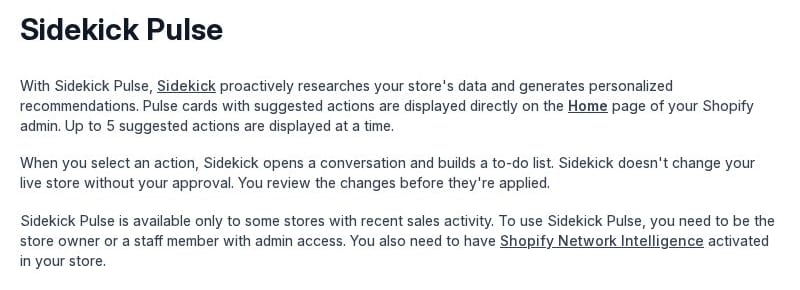
The opening of the Sidekick Pulse page on help.shopify.com, captured in October 2026.
Tested cards add two more gates. The help page is direct about the first: "Tested recommendations are in early access and are available only to certain stores."
The second is technical: your store needs to be able to use Canvas with its live theme.
So a store that meets every Pulse condition can still see only plain cards. Staff without admin access will not see Pulse at all.
Three checks before you publish a tested draft
A tested card leads to a draft first.
Clicking Review suggested changes makes Sidekick prepare an unpublished draft theme from the tested copy. It lands in your theme library as "[Sidekick] Suggested theme," followed by the date and time it was created.
The draft opens only in Canvas. Your live theme stays untouched until you publish.
- Look at the draft as a phone shopper would. Use Preview the unpublished storefront and check how the change sits on a small screen. Sidekick tests only changes that display on desktop, and the help page says nothing about how they look on phones.
- Treat your own edits as untested. If you adjust the draft through Review the draft in Canvas, the result no longer describes what you are about to publish. It covers only the copy Sidekick tested.
- Measure with real buyers. Which method fits depends on your plan and your traffic, as the next two sections explain.